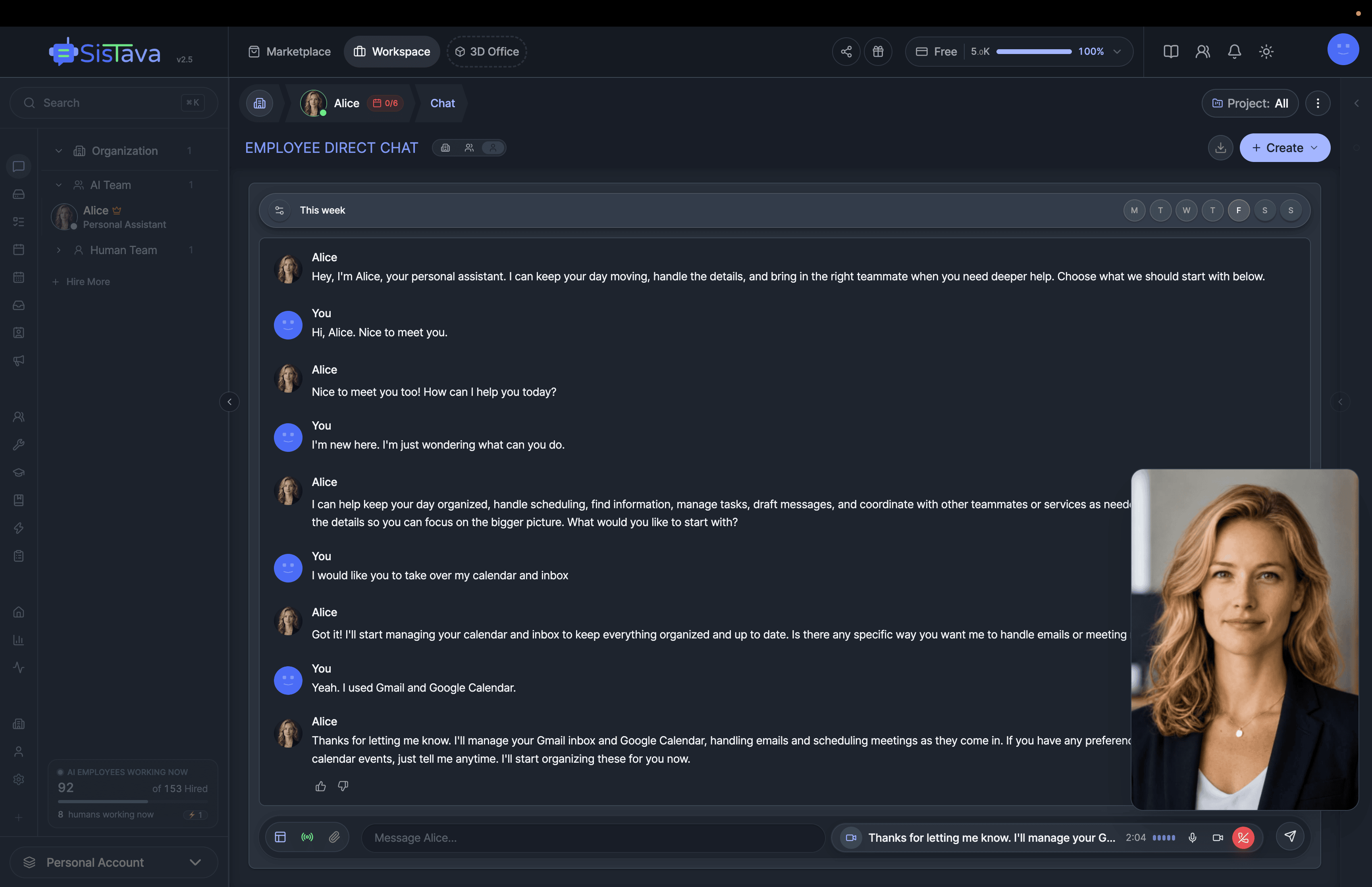
 Meet Your AI Personal Assistant
Alice, AI Personal Assistant
Get more time for the work and life that matter. Alice manages errands, reminders, research, travel, inbox triage, and scheduling in one place.
Hire Alice →
Learn more →
Meet Your AI Personal Assistant
Alice, AI Personal Assistant
Get more time for the work and life that matter. Alice manages errands, reminders, research, travel, inbox triage, and scheduling in one place.
Hire Alice →
Learn more →
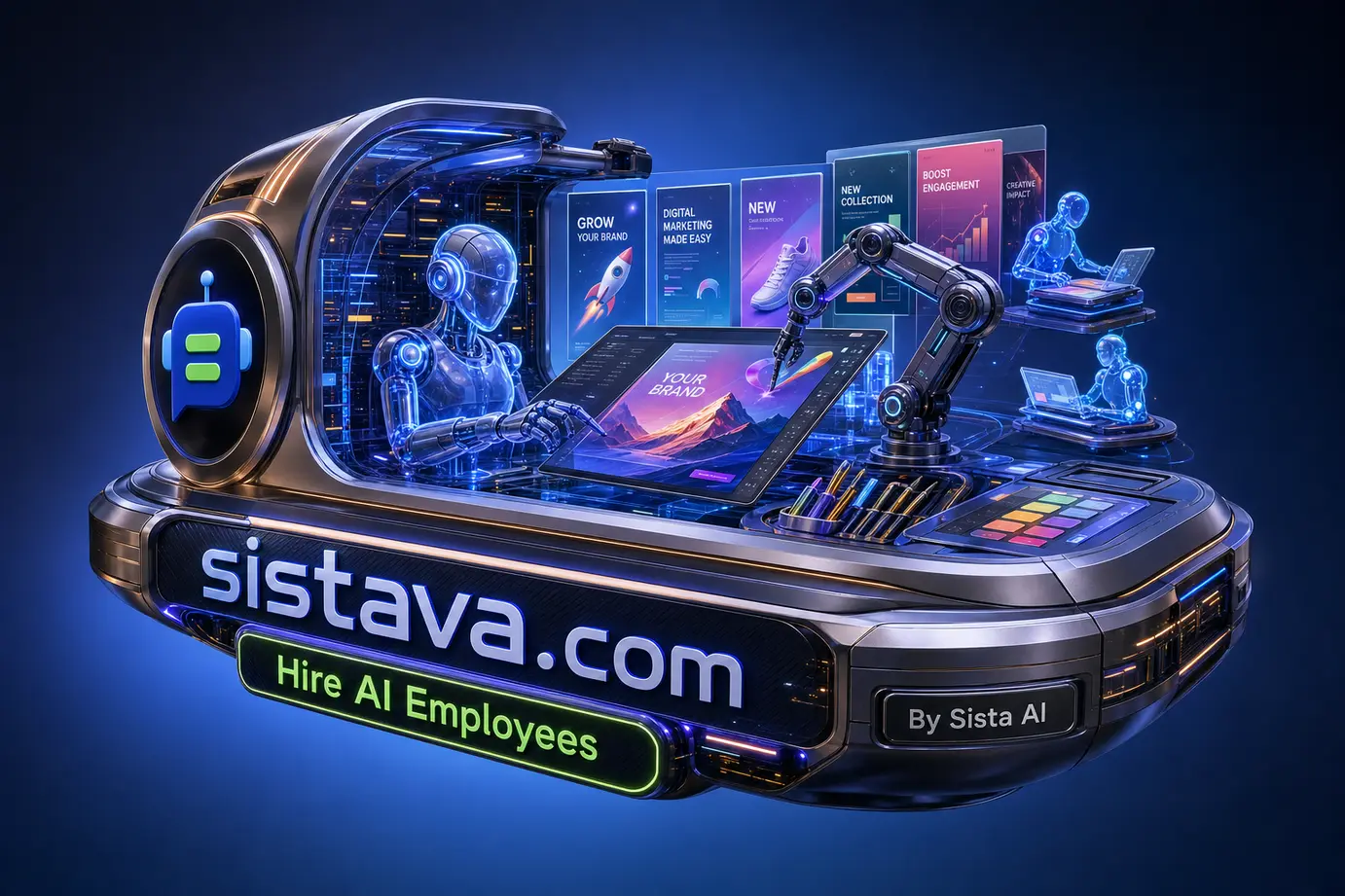
Using AI to design marketing graphics can shorten the distance between a campaign brief and a first creative direction. But a stream of attractive images is not the same as a usable marketing system. Teams still need correct formats, legible messaging, brand consistency, commercial-use checks, and a clear approval path before an asset reaches an ad account, website, or social channel.
TL;DR
- Start with one repeatable asset type, such as social promotion graphics or paid-ad concepts, rather than automating every creative task at once.
- Document brand parameters before generating: colors, fonts, photography rules, lighting, composition, and channel formats.
- Choose AI tools by the job—especially text accuracy, editing needs, integrations, production volume, and commercial terms.
- Generate several directions, select one, and refine it with human design judgment instead of publishing the first result.
- Use approval gates and an asset library to prevent visual drift as production scales.
What AI to design marketing graphics means in practice
AI to design marketing graphics means using generative or AI-assisted tools to create or enhance campaign visuals, including ad concepts, product imagery, social content, lookbooks, presentations, and branded graphics. In a practical marketing workflow, AI is a production input: it helps create options and variations, while people set the brief, protect the brand, and approve what is published.
Start with the asset, not the generator
The most useful question is not, “Which image tool is best?” It is, “What must this asset accomplish?” A product launch graphic, a text-led paid ad, a lifestyle image, and a vector-style logo each place different demands on the workflow. Starting from the deliverable keeps tool selection tied to production requirements rather than novelty.
- Text-heavy social or ad creative: prioritize text fidelity, editable layouts, and reliable hierarchy. A visually striking image is not helpful if the offer, price, or call to action is unreadable.
- Product and lifestyle concepts: prioritize product accuracy, backgrounds, lighting direction, and a review process for details that could misrepresent the item.
- High-volume campaign variations: prioritize repeatable prompts, templates, asset naming, and connections to the places where work is reviewed or published.
- Brand systems: prioritize consistency controls, editable source material where available, and a library of approved references.
Research on AI marketing visuals consistently points to this workflow-first approach. Tool-selection guidance emphasizes text needs, licensing, and integrations; brand workflow guidance emphasizes documented visual standards and governance; hands-on testing advice favors applying AI to one repeatable task before expanding. Together, those recommendations make a strong case for treating AI design as an operational process rather than a one-click replacement for creative work.
Build brand parameters before generating variations
Prompts alone are a weak substitute for a brand system. Before asking AI to make campaign assets, write down the constraints that should remain stable across outputs. These rules give designers, marketers, and role-based AI agents the same starting point, making reviews faster and preventing each campaign from inventing a new visual identity.
- Approved hex color values and prohibited color combinations
- Approved fonts, font pairings, and rules for headlines, body copy, and calls to action
- Product photography standards, including crop, angle, background, and retouching expectations
- Lighting, mood, composition, and image-reference guidance
- Required dimensions and safe areas for each campaign channel
- A list of claims, symbols, imagery, or visual treatments that need extra review
This is where an AI workforce can be more useful than an isolated image generator. Sista AI provides the company behind Sistava’s Graphic Designer AI employee, which can support brand assets, marketing visuals, image editing, presentations, and creative variations according to the knowledge and tools it is given. In Sistava, a marketing team can also keep the brief, brand references, tasks, feedback, and deliverables in a shared workspace instead of scattering them across disconnected chats and folders.
Choose the workflow that matches your production needs
Different approaches solve different parts of the job. A standalone generator can be useful for fast visual exploration, while a broader workflow is better when the work includes briefs, collaboration, versioning, handoffs, and recurring campaign tasks. The right choice depends on where the bottleneck actually sits.
Use a standalone AI design tool when: your immediate need is rapid ideation, a small number of experimental concepts, or a specialist capability such as a particular image style. Test it against a real brief, including any on-image text, before committing to a paid plan. Check whether free tiers add watermarks, restrict resolution, or limit daily credits in ways that disrupt production.
Use a coordinated AI employee workflow when: a campaign requires more than an image. For example, the work may need a brief translated into concepts, variants prepared for review, files organized, stakeholder feedback incorporated, and approved assets handed to the next person. Sistava’s AI employees can work with business knowledge, connected tools, tasks, and routines, with human approvals where required. That structure suits recurring work better than treating every request as an isolated prompt.
Keep a human designer in the loop when: the asset carries a major brand moment, requires precise typography or composition, includes sensitive claims, or needs final production polish. AI can make three to five directions available quickly; human judgment should choose the direction, identify what to preserve, and define the refinements needed for publication.
Common mistakes and how to avoid them
- Mistake: accepting the first output. Fix: generate multiple concept directions, select the strongest, and record why it won. Iteration is more reliable than chasing a perfect first prompt.
- Mistake: prompting without brand constraints. Fix: provide approved colors, typography, references, product rules, and channel requirements before work starts.
- Mistake: treating all generators as interchangeable. Fix: assess text rendering, brand consistency, integrations, editing workflow, output limits, and asset type.
- Mistake: overlooking rights and commercial terms. Fix: review licensing, commercial-use conditions, and any indemnification provisions before using generated assets in paid campaigns. Keep the tool’s current terms with campaign records where appropriate.
- Mistake: publishing without a review layer. Fix: assign a named reviewer for visual accuracy, brand fit, claims, and final channel formatting.
- Mistake: losing approved work after a campaign. Fix: archive final files, source references, prompts, and decisions in an accessible visual asset library.
Turn a campaign brief into an approved deliverable
A simple, controlled workflow makes AI to design marketing graphics repeatable. Here is an illustrative handoff pattern for a new promotion:
User input: “Create three square social concepts for our autumn software promotion. Use our approved navy and coral palette, emphasize the 14-day trial, and avoid product claims not included in the brief.”
Employee actions: A Sistava Graphic Designer AI employee reviews the supplied brand references and campaign brief, prepares several visual directions, creates draft copy treatments and image variations, and organizes the concepts for review. A Marketing Manager AI employee can coordinate the broader campaign task, keeping the concepts connected to the relevant brief and feedback.
Deliverable: Three labeled creative concepts with proposed visual hierarchy, channel-ready dimensions, and notes explaining the intended direction.
Required approval: A human reviewer confirms brand alignment, verifies the offer language and any legal requirements, then selects a concept for final refinement and publishing.
- Pick one asset type that appears often in your marketing calendar.
- Create a concise brief template covering audience, message, required copy, visual parameters, dimensions, exclusions, and approver.
- Run one real campaign through the process and ask for several directions—not one final image.
- Document the chosen direction, the feedback, and the prompt or instructions that produced useful results.
- Store the approved asset and references so the next campaign begins with proven material.
- Only then expand the workflow to additional channels, formats, or recurring routines.
The key is to delegate bounded responsibilities, not unchecked publication authority. In Sistava, teams can use shared tasks, connected knowledge, activity visibility, and approval gates to keep AI employee work reviewable as the volume grows.
Make AI graphics part of a governed creative system
AI design becomes more dependable when the asset is connected to the campaign process around it: the brief that explains the goal, the brand library that sets constraints, the review that protects quality, and the archive that preserves reusable work. This approach addresses the risks that matter most in marketing production—brand drift, unclear usage rights, and inconsistent process—not just the quality of a single image.
Start by exploring the role and workflow options in the Sistava AI Employee Marketplace for recurring marketing responsibilities. If your team needs help designing approval rules, integrations, or a broader operating model, explore Sista AI’s AI Scaling Guidance to plan a controlled rollout.
Hire Your First AI Employee Today
Choose your team: Alice for personal admin, Eva for marketing, or specialists in sales, operations, and HR at sistava.com



Need a custom AI strategy first? Visit AI Strategy & Development. Ready to delegate work now? Hire AI employees.
Two Ways to Work With Sista AI
Start hiring immediately or let us architect your AI strategy. Choose your path.
For custom AI planning, architecture, data readiness, governance, and product development.
Explore strategy & development →For immediate delegation: hire a personal assistant or a full team, assign work in chat, and review what gets done.
Start hiring →