Why “Ai browser agent GitHub” matters for builders today
Search for Ai browser agent GitHub and you’ll find a fast-growing ecosystem of open-source tools that let AI operate a real web browser. Instead of calling static APIs, agents can click buttons, fill forms, navigate tabs, and read dynamic pages, which opens the door to credible automation for research, QA, growth, and customer operations. Popular repositories focus on reliable browsing, stealth cloud sessions, and model-agnostic design so teams can plug in their preferred LLM. Typical tasks include monitoring competitor pricing, validating UI flows before a release, or triaging support queues by reading ticket portals. Because these agents work inside the browser, they handle client-side rendering that traditional scrapers miss. You can also pair them with evaluation steps to reduce hallucinations, like asking the agent to verify numbers against a second source. The result is a practical bridge between language models and the messy, real web where business workflows actually live. For teams already experimenting with chatgpt voice interfaces, adding a browser-capable agent levels up from talk-to-text to talk-to-action. Most importantly, the GitHub-first community ensures transparent code, faster iteration, and integrations that match how developers already ship software.
A practical path: browser-use and cloud-vs-local choices
One standout when you explore Ai browser agent GitHub projects is the browser-use repository, a Python library that connects agents to Chromium via Playwright. Setup is straightforward with Python 3.11, and the quickstart gets you launching an agent in minutes to, say, open a repo page and read its star count. For scale or stealth, the project also offers a cloud option with $10 in starter credits, giving you a hosted, fingerprint-managed browser that better navigates anti-bot defenses. Developers define goals in natural language, and the Agent, Browser, and ChatBrowserUse classes orchestrate navigation, scraping, and responses. Because it’s model-agnostic, you can wire it to your preferred LLM while keeping the same browser control surface. Local runs are great for development and CI smoke tests, while cloud runs handle concurrency or sensitive targets. A common pattern is to iterate locally, then switch one line to the cloud backend when you need reliability at volume. Teams often combine this with lightweight checkpoints—like capturing DOM snapshots—to make runs auditable. If you’re exploring voice control of the browser, it’s also a natural companion to a voice layer that issues the clicks, scrolls, and typed inputs the agent plans.
Beyond browsing: OpenHands for full-stack development agents
For broader software workflows, OpenHands (formerly OpenDevin) shows how far agentic systems have come, and it’s a frequent result when searching Ai browser agent GitHub this year. As of 2025, the project reports more than 64,000 stars, 7,800 forks, and 400+ contributors, reflecting an active, production-minded community. The platform’s agents can browse the web, run shell commands, modify code, execute tests, interact with APIs, and even copy snippets from knowledge sources like StackOverflow. Its codebase is primarily Python with significant TypeScript components, and it ships modular packages for the core framework, runtime, and enterprise server. A cloud option with $20 in free credits lets teams try managed execution without wrestling with local dependencies. In practice, you might ask an agent to implement a small REST endpoint, write tests, fix failures, and open a pull request—while it references docs in the browser. Parallelism allows separate agents to tackle UI, backend, and docs simultaneously, speeding up small features and maintenance chores. Many teams adopt a human-in-the-loop model: agents propose changes, humans approve, and CI validates, which keeps autonomy bounded by quality controls. Pairing this with a voice layer lets a developer say, “run tests, open the failed logs, and draft a fix,” and have the agent stack respond across terminal, editor, and browser.
From experiments to production: reliable, observable workflows
Open-source is only half the story; the other half is operational rigor when adopting Ai browser agent GitHub tools in your stack. GitHub Copilot’s agentic workflow patterns emphasize planning, tool selection, action, and evaluation loops that you can mirror in your pipelines. Start with small, deterministic subtasks, use guardrails like allowed domains and maximum click depth, and add structured outputs to make runs testable. Observability matters: capture screenshots, DOM diffs, or HAR files so you can reproduce flaky cases and compare revisions over time. In CI/CD, trigger an agent to validate key user paths on every release—log in, add to cart, check out—then fail the build if a DOM selector breaks. For data gathering, schedule a nightly browser-run that snapshots top competitor pages and stores normalized fields in your warehouse. When you need natural interaction, a voice front end can issue commands while the agent executes, turning spoken intent into consistent actions. That’s where a purpose-built voice layer complements the GitHub projects, connecting chatgpt voice experiences to dependable browser and workflow automation behind the scenes.
Conclusion: where Sista AI adds a voice-first edge to your agent stack
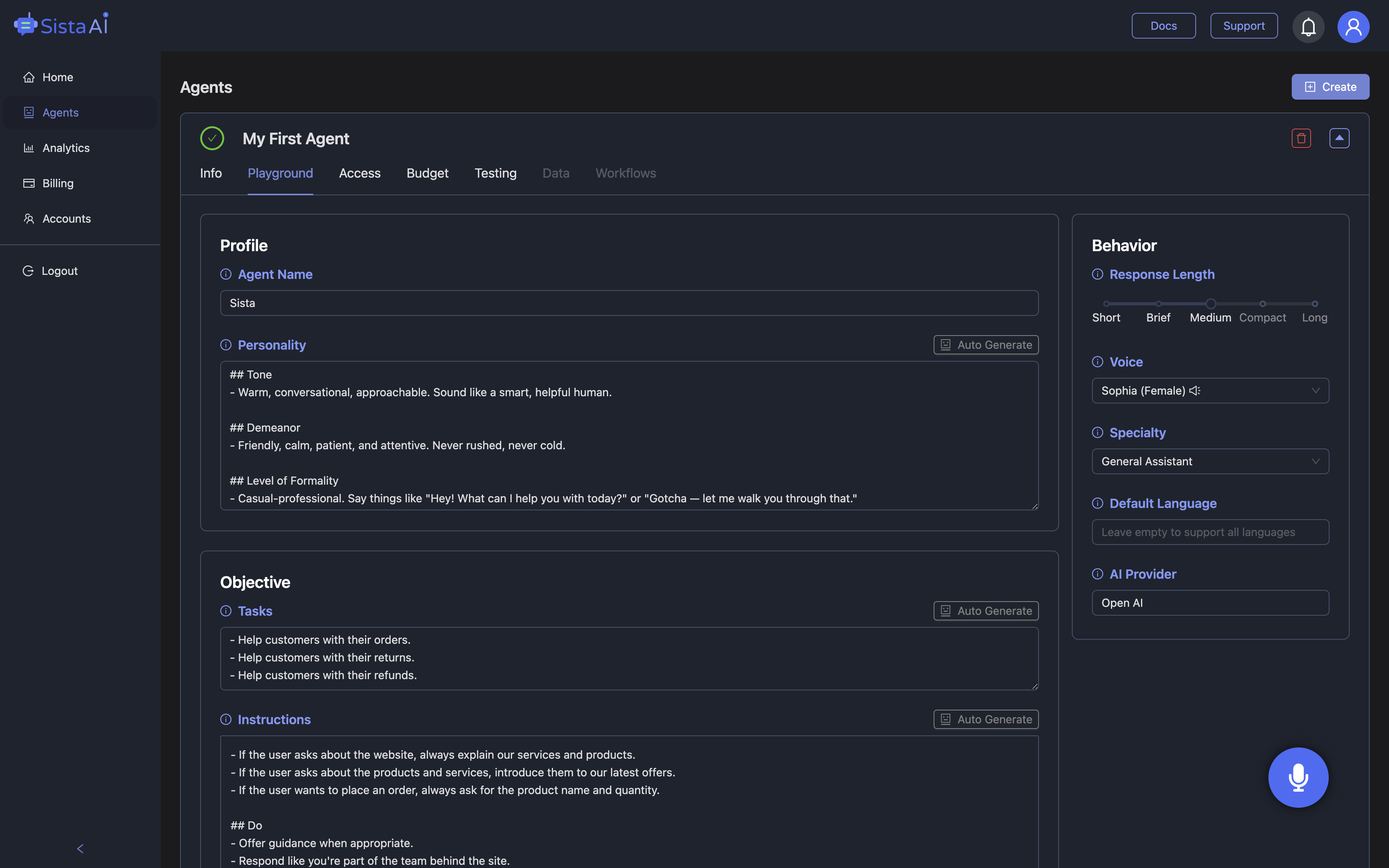
Once you’ve explored Ai browser agent GitHub options for browsing, testing, and coding, the next leap is giving users a natural way to drive them. Sista AI provides plug-and-play voice agents that understand context, speak in real time, and can control the UI—scrolling, clicking, typing, and navigating—while your chosen backend agent handles planning and logic. Its workflow automation executes multi-step tasks, multilingual recognition covers 60+ languages, and the built-in screen reader summarizes or extracts page content for quick decisions. Because Sista AI ships as embeddable SDKs and simple JS snippets, teams can add a voice-first layer to portals, dashboards, and help centers without re-architecting. A practical pattern is to let Sista AI capture the user’s spoken goal, map it to allowed actions, then hand off execution to your browser-use or OpenHands pipeline. The no-code dashboard helps you set permissions, connect knowledge bases, and review sessions, aligning governance with day-to-day ops. If you want to see how a voice agent feels in a real browser flow, try the Sista AI Demo and speak a task you’d normally click through. When you’re ready to pilot with your team, you can sign up to configure agents, integrate with existing repos, and measure impact in a controlled rollout.
Stop Waiting. AI Is Already Here!
It’s never been easier to integrate AI into your product. Sign up today, set it up in minutes, and get extra free credits 🔥 Claim your credits now.
Don’t have a project yet? You can still try it directly in your browser and keep your free credits. Try the Chrome Extension.

For more information, visit sista.ai.