The browser is your primary workspace
Most professionals now spend the vast majority of their day inside a web browser, so choosing the best 5 browser extensions can meaningfully shift your productivity curve. In 2025, Google’s favorites list underscores a clear theme: AI has moved from novelty to necessity, with tools that summarize, automate, and assist directly inside tabs. Extensions such as Monica, Sider, HARPA AI, QuillBot, and Fireflies.ai reflect this shift, each tackling a different bottleneck—from reading and writing to automation and meetings. Many of these tools lean on models like ChatGPT, Claude, Gemini, and DeepSeek, turning every webpage into an interactive workspace. The advantage is fewer context switches, less copy-paste overhead, and faster decision-making. If you’ve tried chatgpt voice features elsewhere, you’ll appreciate how a voice-first layer blends naturally with browsing. A voice agent that reads a page, answers a question, then performs an action presents far less friction than juggling tabs. This is why voice-augmented tools, including Sista AI’s real-time agents, fit neatly beside the best 5 browser extensions on today’s shortlists.
AI companions that live in the tab
Two of the best 5 browser extensions—Monica and Sider—bring an AI companion directly into the page you’re viewing. Monica lets you chat with PDFs, summarize long reads, and draft replies without leaving the tab, while Sider adds a handy sidebar for group chats across models, quick rewrites, translations, and even AI image generation. Picture a researcher scanning a 6,000-word report: highlight, summarize, and extract action items in minutes rather than hours. Because both tools support multiple models, you can compare outputs from Gemini or Claude side-by-side when accuracy matters. For hands-free moments, pairing these assistants with a voice layer reduces typing fatigue and speeds up follow-up questions. That’s where a voice agent like Sista AI complements them, offering on-page Q&A and spoken prompts that feel natural. Try a quick voice-driven page summary and follow-up questions in the Sista AI Demo to see how voice guidance can cut reading time while preserving nuance. This blend of in-tab AI plus voice interaction is why these tools stand out in any best 5 browser extensions roundup.
Automate browsing and polish every draft
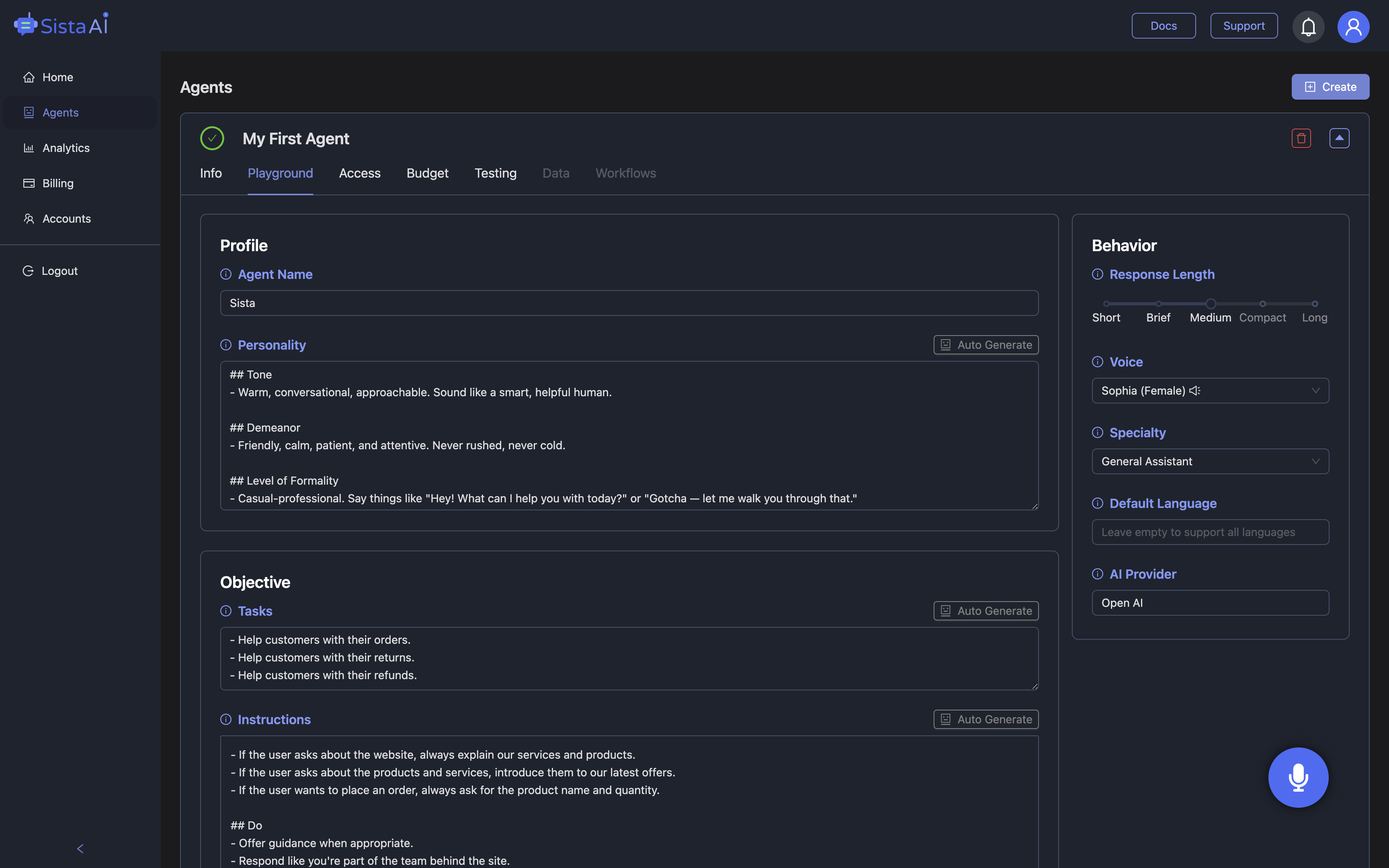
HARPA AI expands the definition of an assistant by automating the web itself: track price drops, monitor page changes, and trigger workflows you’d otherwise do manually. It’s the difference between checking a dozen tabs daily and getting a single, AI-filtered briefing. For writing, QuillBot remains a staple; it paraphrases, corrects grammar, and clarifies tone so emails and proposals read crisp and confident. Imagine a product manager running a launch: HARPA AI monitors competitors, while QuillBot tightens the announcement and FAQs. A voice-enabled layer can stack on top of this flow, too. With Sista AI’s voice agent, you can issue hands-free commands like “scroll,” “highlight,” or “draft a recap,” then have it read back key points in real time. It can even run lightweight page actions and respond contextually, which pairs well with the chat-first experiences of Monica and Sider. For users who favor chatgpt voice interactions, this hybrid of automation plus voice feels close to a human assistant sitting beside you.
Meetings, learning, and daily flow
Fireflies.ai earns its spot among the best 5 browser extensions by capturing, transcribing, and summarizing meetings so you never split attention between talking and note-taking. In teams that live in virtual calls, automatic summaries make action items and owners explicit. Beyond meetings, Google’s 2025 standouts also highlight QuestionAI for on-demand tutoring and eJOY for language learning right inside the page, reinforcing the idea that learning and work now coexist in the same tab. Rounding out daily workflows, Todoist manages tasks, Voicy converts speech to text across input fields, and Evernote Web Clipper saves the web for later, while Momentum and Tab Wrangler keep focus high and clutter low. A realistic day might look like this: Fireflies.ai captures a call, QuillBot polishes your recap, HARPA AI monitors a pricing page, and Monica or Sider answers follow-up research questions. Adding a voice agent on top turns those steps into quick spoken nudges—ask for a summary, fill a form, or generate a draft without breaking flow. Sista AI’s real-time conversational agent was designed for exactly this blend of productivity and accessibility, bridging reading, writing, and automation with natural speech.
Safety, selection tips, and next steps
As AI extensions go mainstream, diligence matters. Security researchers recently uncovered malicious campaigns hiding in seemingly harmless extensions—some with over 4 million installs—that later turned into spyware, with one popular add-on (WeTab) topping 3 million installs before being flagged. To choose wisely, verify the publisher, skim recent reviews, check update frequency, and scrutinize requested permissions. Favor tools endorsed in reputable roundups or official lists—Google’s 2025 favorites are a reliable place to start—especially when they integrate with sensitive data. Start with a small set: the best 5 browser extensions listed here cover reading, writing, automation, and meetings without bloating your setup. Then layer voice where it accelerates your routine most: screen reading, on-page Q&A, and simple commands. If you want to experience how voice guidance pairs with your current stack, try the Sista AI Demo and experiment on a page you already use daily. When you’re ready to deploy voice agents across your site or apps, you can sign up and configure permissions, languages, and workflows in minutes. Those two steps—trying the demo and creating an account—are an easy way to see how a voice-first layer complements the best 5 browser extensions you rely on.
Stop Waiting. AI Is Already Here!
It’s never been easier to integrate AI into your product. Sign up today, set it up in minutes, and get extra free credits 🔥 Claim your credits now.
Don’t have a project yet? You can still try it directly in your browser and keep your free credits. Try the Chrome Extension.

For more information, visit sista.ai.