Why an AI Browser Assistant Matters in 2025
Most of us spend hours jumping between tabs, copying snippets into notes, and repeating the same clicks across forms and dashboards. An AI browser assistant changes that rhythm by understanding intent, acting on your behalf, and keeping context across pages. In 2025, the most notable advance is agentic behavior—moving beyond passive answers to active task execution inside the browser. Tools like Perplexity Comet, built on Chromium, can import your extensions and then navigate sites, compare sources, and help book or buy with natural language. Opera’s Aria focuses on Q&A, page-aware insights, and writing help, while Brave’s Leo prioritizes privacy with summarization and content generation. Adoption is accelerating: Copilot reports over a million customers and 37,000+ organizations, and services like DeepL attract 10 million monthly users—evidence that users trust AI for daily work. For many teams, voice is emerging as the fastest UI, making chatgpt voice and real-time conversation essential to the browsing experience. If your goal is to reduce friction and do more from the page you’re already on, an AI browser assistant is quickly becoming a must-have companion.
What an AI Browser Assistant Really Does
The best assistants blend three strengths: understanding, action, and context. Understanding means they parse natural language—“compare the latest mirrorless cameras under $1,500 and surface pros/cons from reliable reviews”—without forcing rigid queries. Action is where agentic tools shine: Comet can navigate, fill forms, and move through multi-step flows, while other assistants specialize in page summarization or writing aid. Context matters because research often spans ten or twenty tabs; multi-tab reasoning synthesizes scattered information into a single answer. Opera’s Aria separates tasks into modes (general Q&A, page context, and writing), making intent explicit. Brave’s Leo emphasizes privacy-first summarization for users who want help without heavy tracking. Many professionals also prefer hands-free control, which is where chatgpt voice–style interaction boosts speed. Sista AI fits this shift with voice-driven control (scroll, click, type), real-time page summaries, and workflow automation that works across sites. For teams that need accessibility and speed, speaking to the browser feels more natural than hunting for the right button.
Privacy Trade-offs You Can’t Ignore
Powerful assistance often requires page context, and that’s where privacy can either be protected—or compromised. A recent analysis found many commercial tools transmit full webpage content and even sensitive inputs (like banking or health data) to remote servers. Extensions such as Merlin and Sider were observed sending user-identifiable data to analytics platforms, enabling cross-site tracking and profiling. Only Perplexity’s assistant showed no evidence of intrusive profiling in that study, highlighting how practices diverge across vendors. Some assistants even continued recording in privacy modes, which could conflict with strict laws such as GDPR. To stay safe, choose assistants that are transparent about data handling and give you fine-grained control. Favor products that minimize server-side processing for sensitive tasks and clearly separate what’s stored, for how long, and why. Sista AI’s platform reflects a user-first approach—its dashboard lets teams define permissions and monitor usage, aligning with a culture of transparency and control. Before you deploy any AI browser assistant widely, set internal rules on when context can be shared and establish a review process for high-risk pages.
Agentic Use Cases That Actually Save Time
Agentic assistance pays off when it’s mapped to a repeatable workflow. Consider competitive research: instead of opening a dozen product reviews, an assistant can summarize recurring pros/cons, call out contradictory claims, and cite sources for quick verification. For shopping and procurement, Comet’s agentic shopping support excels at interpreting natural requests, navigating review sites, and surfacing best-value options. In customer support, a voice-first agent can read a page, find the relevant section, and fill standardized responses with consistent tone. Students and analysts benefit from instant page summarization that flags key arguments and unanswered questions. Teams that manage forms—HR, finance, healthcare intake—gain time when an assistant reliably fills fields and validates entries. Sista AI’s voice UI controller lets you say “scroll to pricing,” “compare features here and on the competitor,” or “fill the form with the info we used last time,” then execute those steps. With multilingual support in 60+ languages and integrated knowledge bases, the assistant can answer in context—even across internal docs. To see how voice and automation feel in practice, try the live Sista AI Demo and test voice navigation on a few everyday pages.
Implementing an AI Browser Assistant the Smart Way
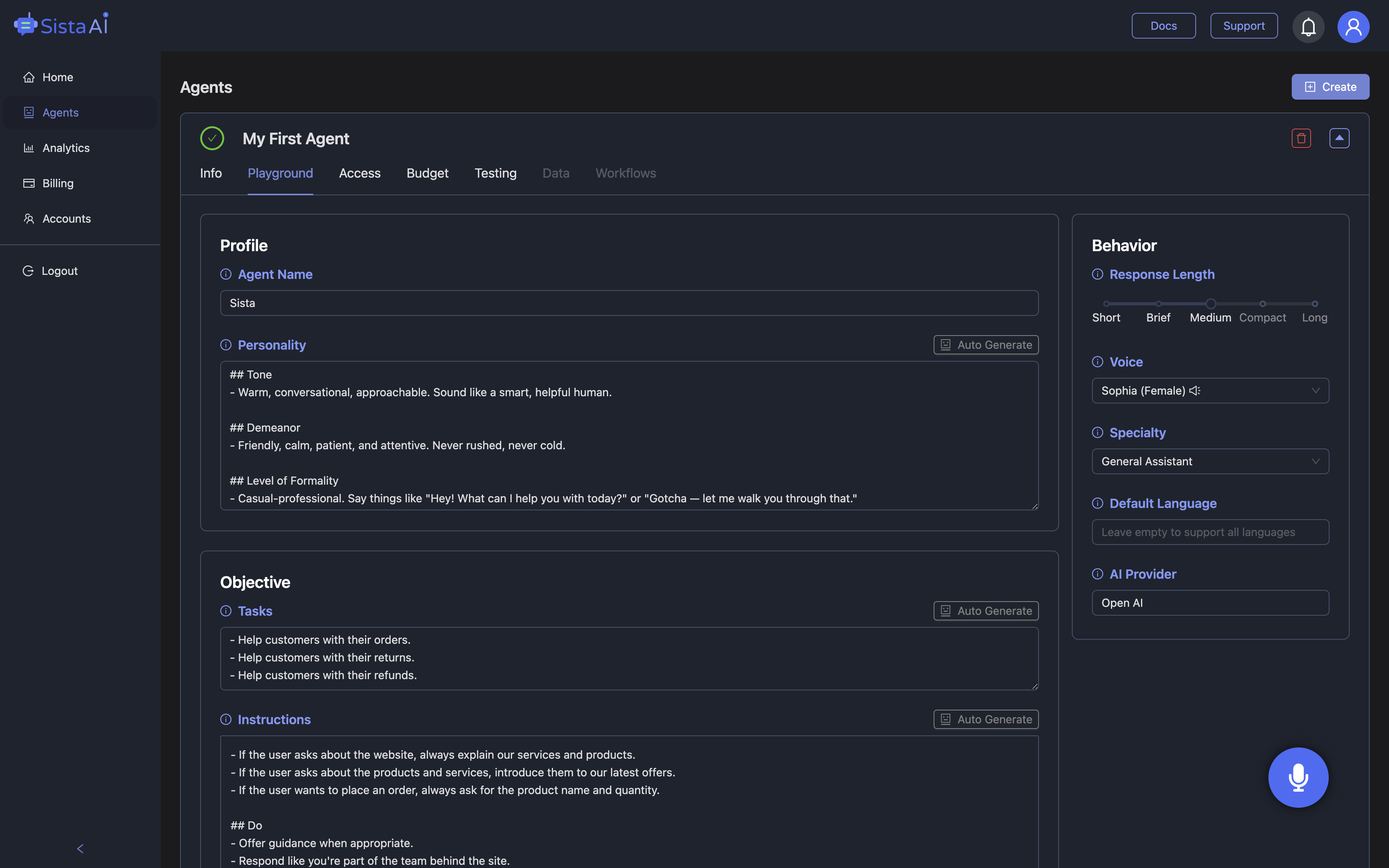
Successful rollouts start simple and expand. Begin with low-risk tasks like page summarization, non-sensitive form filling, or voice navigation on public docs. Define what “good” looks like—fewer clicks, shorter time-to-answer, or faster onboarding—and baseline your current numbers for comparison. Choose tools with clear permission controls, workspace separation, and easy analytics so you can tune behavior as you scale. For hands-free speed, prioritize assistants that support chatgpt voice and real-time responses, not just text. If you need to extend beyond personal browsing, Sista AI’s plug-and-play SDKs and universal JS snippet let you add the same voice agent to your website or app with minimal code. Its no-code dashboard helps you tailor the agent persona, restrict actions, and track usage to prove ROI. When you’re ready to pilot, spin up an account and invite a small team to test workflows end to end. You can sign up for Sista AI to configure your first agent, then iterate on prompts and permissions as results improve. If you want a quick taste before committing, the public Sista AI Demo is a fast way to evaluate voice control, page summaries, and task automation in the browser.
Stop Waiting. AI Is Already Here!
It’s never been easier to integrate AI into your product. Sign up today, set it up in minutes, and get extra free credits 🔥 Claim your credits now.
Don’t have a project yet? You can still try it directly in your browser and keep your free credits. Try the Chrome Extension.

For more information, visit sista.ai.