The New Browser Workflow
If you spend your day researching, drafting, and jumping across tabs, the right AI Chrome extension ChatGPT combo can feel like a co-pilot that keeps you in flow. The second you copy a quote into a new tab or retype context for the tenth time, you leak focus; extensions remove that drag by bringing intelligence to the page you’re on. In 2025, the most useful add-ons cluster around four needs: better prompts, on-page assistance, voice, and document handling. Prompt libraries and builders remove the blank-page problem so your questions are crisp and reproducible. Sidebars keep answers next to your reading so you don’t context-switch. Voice tools capture ideas at the speed of thought, while file utilities unpack PDFs and CSVs without leaving the browser. Even simple features—like saving a conversation to Markdown—make your insights portable across apps. Put together, an AI Chrome extension ChatGPT toolkit cuts minutes from every hour and compounds into a calmer, more productive day.
Extensions Worth Installing Now
Start with a prompt layer such as Magic Prompt – AI Prompt Generator to turn vague ideas into structured, context-rich requests that consistently produce better replies. Keep an assistant visible with ChatGPT Sidebar or Sider, which pins responses beside the page and can inject page context—text, images, even video cues—into your queries for more relevant output. Merlin helps when you need to act on what you’re viewing: right‑click to summarize a long email or transform a section of a doc without copy‑pasting. If you think faster than you type, Promptheus lets you speak to ChatGPT, which is great for brainstorming and capturing “chatgpt voice” notes during meetings. For research packs, ChatGPT File Uploader Extended ingests PDFs, CSVs, and docs so you can query data-heavy material. Enhanced ChatGPT adds conveniences like exporting chats to Markdown, making it easy to reuse content in editors. ChatGPT Writer streamlines emails and formal messages right inside your inbox, and TweetGPT speeds up social drafts aligned to a brand voice. For discovery, ChatGPT for Google places AI answers alongside search results, with follow-ups to dive deeper. AIPRM’s well-rated public prompt library (200k+ downloads, 4.7-star rating) shows how prebuilt workflows—like YouTube scripts or meta descriptions—save time when you need repeatable outputs. Together, these cover most use cases from research to publishing without leaving the browser.
From Typing to Talking: Voice, Automation, and Sista AI
Voice is where browsing starts to feel truly hands-free, and this is where Sista AI complements the AI Chrome extension ChatGPT ecosystem. Promptheus solves voice-to-text for prompts; Sista AI’s browser extension goes further by adding voice-controlled browsing—scroll, click, navigate, and fill forms by speaking. When a page is long, real-time summarization condenses what matters while on-page Q&A answers questions about the exact paragraph you’re looking at. Multilingual recognition in over 60 languages helps international teams and users who prefer to think or work in a native tongue. Students can quickly ask, “Explain section three as bullet points,” while professionals say, “Draft a polite follow-up based on this email,” and get an answer that respects the page’s context. Accessibility also improves: an automatic screen reader can summarize on-screen content for users who benefit from audio-first guidance. Because Sista AI agents can also run lightweight automations, you can chain tasks like “extract key stats, paste them into this doc, and set the tone to neutral.” For those curious, the extension is available at browser.sista.ai, and it pairs naturally with your existing ChatGPT workflow to turn passive reading into active, voice-first work.
A Real-World Flow You Can Copy
Imagine a product marketer preparing a launch brief in one afternoon. They begin with ChatGPT for Google to see AI summaries alongside results and open the most relevant pages. Sider keeps a sidebar visible, letting them compare quick takes from GPT, Claude, or Gemini without switching tabs. Merlin summarizes a competitor’s pricing page, which they paste into a Magic Prompt template to generate a structured feature matrix. Next, the marketer uploads a CSV of pilot survey responses using ChatGPT File Uploader Extended and asks for themes and outliers, then refines tone and language with ChatGPT Writer directly in Gmail. Throughout, Sista AI’s browser extension reads dense sections aloud and handles form-filling for a feedback intake sheet by voice. For the public website, a voice agent can guide visitors through pricing, capture leads, and answer common questions in real time. If you want to experience a live voice agent that runs on any site with a snippet, try the Sista AI Demo and see how conversational automation complements your AI Chrome extension ChatGPT toolkit.
Rollout Tips and Getting Started
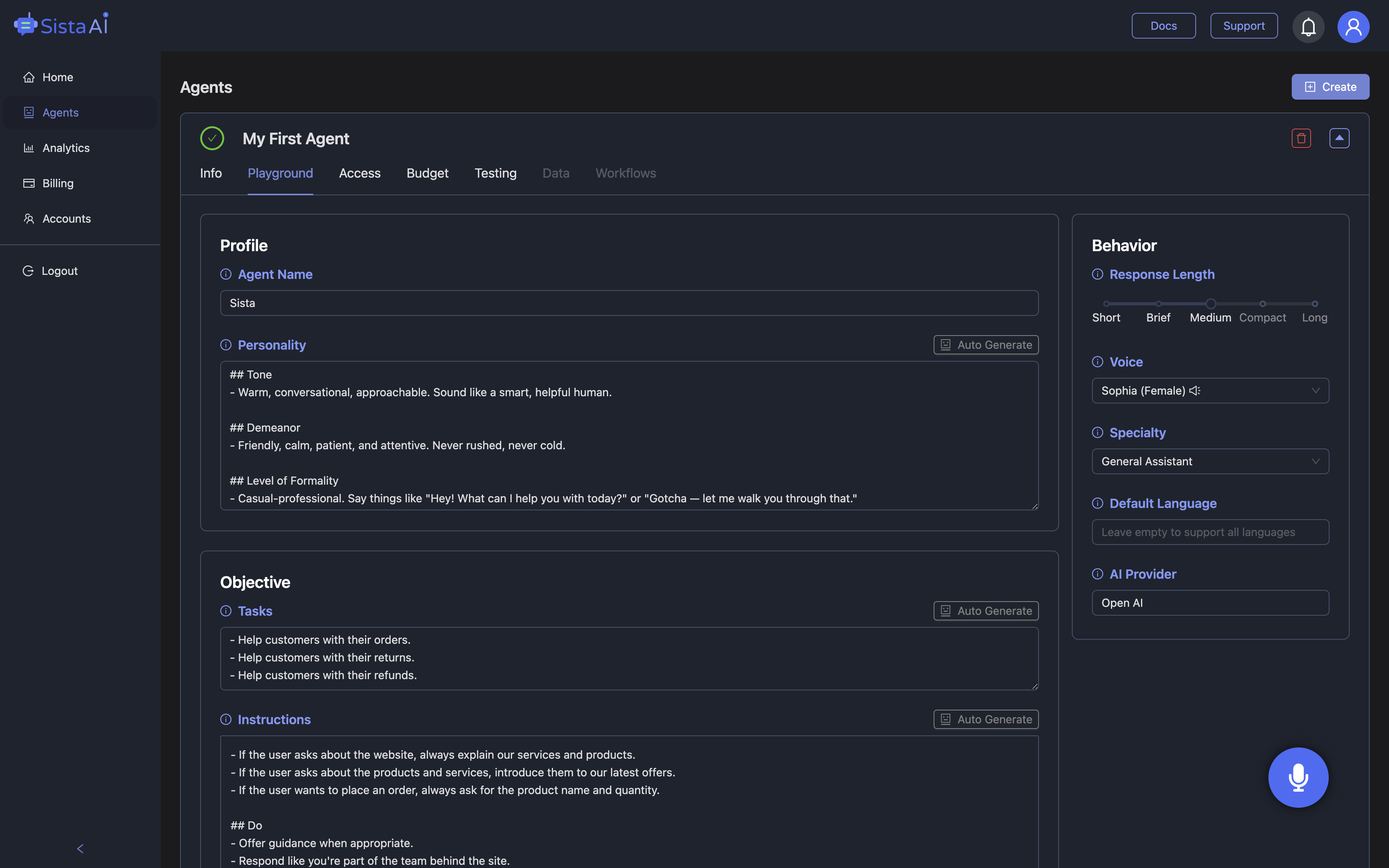
Treat your setup like a stack: pick one tool per job, then map how information flows between them. Use prompt templates for repeat tasks, store them centrally, and name them clearly—“Summarize_PDF_for_Exec_Overview” beats ad hoc requests. Configure keyboard shortcuts for your sidebar and voice trigger so they’re muscle memory. Keep privacy in mind by reviewing what each extension can read on a page and limiting permissions to what you need. For teams, document your “golden path” workflow so people can ramp quickly and reduce rework. When you’re ready to add voice-first capability to your browsing and your own site or app, Sista AI offers plug‑and‑play agents plus a no‑code dashboard to customize behaviors. You can explore capabilities hands-on by launching the Sista AI Demo in your browser and deciding where voice and automation save the most time. If you want to deploy an agent or use the browser extension with shared credits, sign up to the admin panel to manage settings, permissions, and usage across your team. With a thought-out stack anchored by an AI Chrome extension ChatGPT setup and Sista AI’s voice layer, your browser becomes a command center rather than a distraction.
Stop Waiting. AI Is Already Here!
It’s never been easier to integrate AI into your product. Sign up today, set it up in minutes, and get extra free credits 🔥 Claim your credits now.
Don’t have a project yet? You can still try it directly in your browser and keep your free credits. Try the Chrome Extension.

For more information, visit sista.ai.