Why an AI Chrome extension for exams is now essential
Exams compress a semester’s worth of material into a few decisive hours, so the tools you bring to study sessions matter as much as the hours you invest. An AI Chrome extension for exams can compress readings, turn pages into practice questions, and coach you through tricky steps without bouncing between apps. The strongest options support multiple learning modes, from on-page summaries to audio playback and quick quizzing. Recent roundups highlight assistants like Perplexity AI for rapid research and high-accuracy AI-detection checks, and Quizizz AI for converting any article into self-tests. Writing-focused helpers such as Grammarly polish essays and short answers, which many exams still require. Study partners like Answer.AI provide instant hints across math and writing. Text-to-speech helpers like Speechify add flexibility during commutes. If you prefer to speak your questions, chatgpt voice–style interactions are increasingly available, making the browser feel like a study coach in your tab.
What to look for in the right extension stack
Start with summarization and trustworthy references when evaluating an AI Chrome extension for exams, then add quizzing and writing aids. Perplexity AI combines a ChatGPT-like assistant with web context and can paraphrase in 30 languages while offering AI detection with reported 99% accuracy and very low false positives, useful for academic integrity checks. For active recall, Quizizz AI transforms any webpage into multiple-choice questions and integrates with Google Docs and Slides, making it easy to build quick sets after each reading. Grammarly strengthens clarity and tone for essay-style exams where precision matters. Answer.AI functions as a browser-embedded tutor with free and premium options, with annual plans around $8.33 per month, handy for step-by-step homework explanations. If you learn by listening, Speechify offers natural-sounding audio with plans around $11.58 per month, while Readvox provides a free alternative. Sider AI brings grammar checks, translations, and GPT-4 summaries together in one panel. Fireflies can capture and transcribe lecture audio so you can annotate key points later. Most of these tools use freemium models in the $8–$12 monthly range, which keeps a high-quality stack within reach.
A simple week-before-exam workflow that actually scales
Here’s a practical flow many students find reliable in the final stretch. Begin with Scripsy AI to summarize any long lecture video so you can extract the chapter-level takeaways in minutes. For each reading assignment, generate a quick set of multiple-choice questions with Quizizz AI and answer them immediately, then again after 24 hours to reinforce retention. When you hit a tough derivation or a confusing paragraph, ask Answer.AI for a hint rather than a full solution to preserve the learning curve. Convert dense articles to audio with Speechify and replay tricky sections during a walk, then annotate your notes with key timestamps from Fireflies transcripts. Use Sider AI or Perplexity AI for fast summaries of multi-tab sources and to cross-check citations. Before refining your essay responses, pass drafts through Grammarly to catch tone and structure issues. This workflow reduces context switching and encourages active recall at every stage. By exam day, you’ve practiced retrieval, clarified weak spots, and built concise summaries that are easy to revisit.
The voice-first edge: Sista AI in your browser
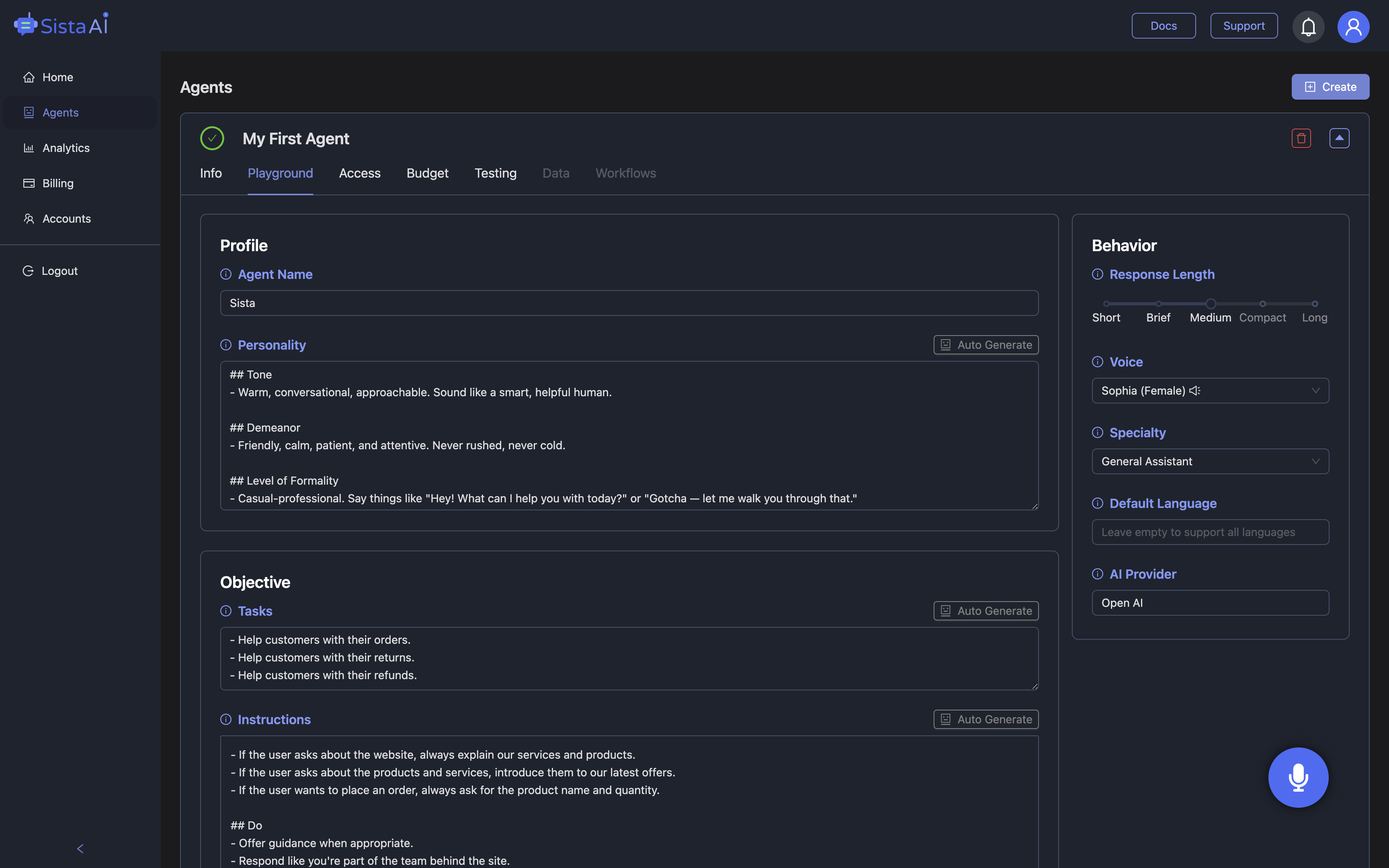
Voice can remove friction when you’re juggling notes, tabs, and formulas, which is where Sista AI’s browser experience stands out. The extension enables voice-controlled browsing, real-time summarization, and instant Q&A about the page you’re on, so you can ask, “Summarize sections two and three, then quiz me,” without touching the keyboard. It supports multilingual recognition and can read passages aloud, helping auditory learners and anyone balancing screen fatigue. You can highlight a paragraph and say, “Explain this with an example,” or let the automatic screen reader capture key points for your outline. For writing-heavy subjects, Sista AI can draft structured outlines, fill forms with citations you provide, and nudge you toward clearer sentences. Because it understands on-page context, it feels closer to an assistant who knows what you’re seeing. Want to experience voice-led study on a live page? Try the Sista AI Demo and speak your next question instead of typing it.
Set up responsibly: integrity, efficiency, and fit
Use these tools to learn faster, not to bypass learning, especially if your school has strict rules for take-home work. Perplexity AI’s high-accuracy AI detection can be part of a self-check routine to keep drafts original, while retrieval practice via Quizizz AI keeps you focused on mastery rather than shortcuts. If you study with partners, agree on ground rules: hints over full solutions, and citations whenever the assistant contributes a phrasing or structure. Build a repeatable template: summarize, self-quiz, explain aloud, then polish writing. Add audio passes for dense sources, backups of your notes, and a final clarity edit. When voice helps, speak commands to reduce tab fatigue and maintain momentum. To put a voice-first assistant into your stack quickly, you can sign up and configure Sista AI’s on-page Q&A, reading aids, and voice commands in minutes. The goal is a consistent, ethical routine that compounds week after week.
Conclusion: the modern study stack, simplified
An AI Chrome extension for exams should make studying more active, more organized, and more personal to your learning style. Summarize complex sources, practice with instant quizzes, get guided hints when stuck, and refine writing until it’s crisp under time pressure. The strongest stacks combine Perplexity AI for verified summaries and checks, Quizizz AI for rapid question sets, and tutoring or audio tools like Answer.AI and Speechify for flexible reinforcement. Adding a voice layer lets you keep your hands on the task, not the tabs, which is where Sista AI’s real-time, context-aware voice and automation features shine. If you want to see how voice changes your prep flow, try the Sista AI Demo on any study page. Ready to personalize an agent for your browser and keep your routine consistent? You can create an account and start experimenting today. Study smarter, speak naturally, and let voice carry the load when it counts most.
Stop Waiting. AI Is Already Here!
It’s never been easier to integrate AI into your product. Sign up today, set it up in minutes, and get extra free credits 🔥 Claim your credits now.
Don’t have a project yet? You can still try it directly in your browser and keep your free credits. Try the Chrome Extension.

For more information, visit sista.ai.