Why a Browser Voice Command Tool Is Becoming Essential
Typing is often the slowest part of knowledge work, and it gets even slower when you’re juggling tabs, forms, and long emails. A browser voice command tool turns your voice into text and actions right where the cursor lives, shrinking that bottleneck dramatically. In 2025, most knowledge flows through web editors like Google Docs, Gmail, Notion, and even ChatGPT, so placing speech directly into those fields is a practical advantage. Free extensions such as Speechify, Voice In, and Speechnotes make this possible in a couple of clicks. Accuracy commonly exceeds 90% in everyday conditions, which is good enough to draft emails, summarize meetings, or capture research ideas in one pass. Speechify emphasizes unlimited, free dictation with strong noise handling. Voice In covers thousands of sites and supports multiple languages across Chrome and Edge on Windows, Mac, Linux, and Chromebooks. Speechnotes offers a no-fuss, browser-based workspace with 70+ languages and automatic capitalization. As "chatgpt voice" becomes normal for conversational AI, the line between dictation and intelligent assistance is fading, and that’s where advanced tools like Sista AI step in.
How Dictation Works in the Browser (And What to Expect)
Most extensions anchor a microphone icon near your cursor, so you speak and watch text arrive in real time. Common voice commands like “new line,” “comma,” and “period” are recognized, letting you shape paragraphs without touching the keyboard. Because audio streams to cloud speech engines, transcripts appear with minimal delay and usually maintain context across long sentences. Tools such as Speechify are optimized for noisy environments, so coffee shops and open offices don’t derail accuracy. Multi-language support is widespread, making global collaboration easy when composing in Gmail, Docs, Notion, or web forms. Remember that these are browser-first tools, so native desktop apps may require a different approach. Permissions are straightforward—microphone access, sometimes clipboard or site access—and worth reviewing for privacy. Imagine a student in a bustling library narrating essay sections directly into Google Docs; they can finish a 1,000-word outline in minutes without switching windows. Professionals can dictate replies in Gmail or Slack’s web version while maintaining consistent punctuation and capitalization. In many user tests, accuracy hovers around 90–92%, which is enough to cut editing time significantly.
Picking the Right Tool for Daily Web Work
Speechify’s Chrome extension is strong if you want free, unlimited dictation that behaves naturally inside editors, with reliable formatting and noise handling. Voice In shines when you need coverage across thousands of sites, multiple languages, and quick setup on Chrome or Edge. Speechnotes excels as a browser-native workspace with automatic capitalization and 70+ languages—great for long-form notes or uninterrupted thinking. The trade-offs are clear: browser-only scope, a reliance on extension permissions, and simpler formatting compared with advanced AI editing suites. Some universal systems tout sub-second processing and system-wide reach, but they often require more setup or paid plans. Many professionals pair a browser voice command tool with a separate desktop solution for full coverage. Think of a recruiter who lives in Gmail, LinkedIn web, and Docs; Voice In or Speechify will likely cover 90% of that workflow. A researcher dumping thoughts into Speechnotes can later paste polished content to a CMS. When your needs go beyond dictation—like clicking buttons, filling forms, summarizing pages, or running multi-step flows—adding an automation layer delivers outsized gains. That is the gap a voice-first assistant like Sista AI is designed to close.
Going Beyond Dictation: Sista AI as a Voice-First Web Controller
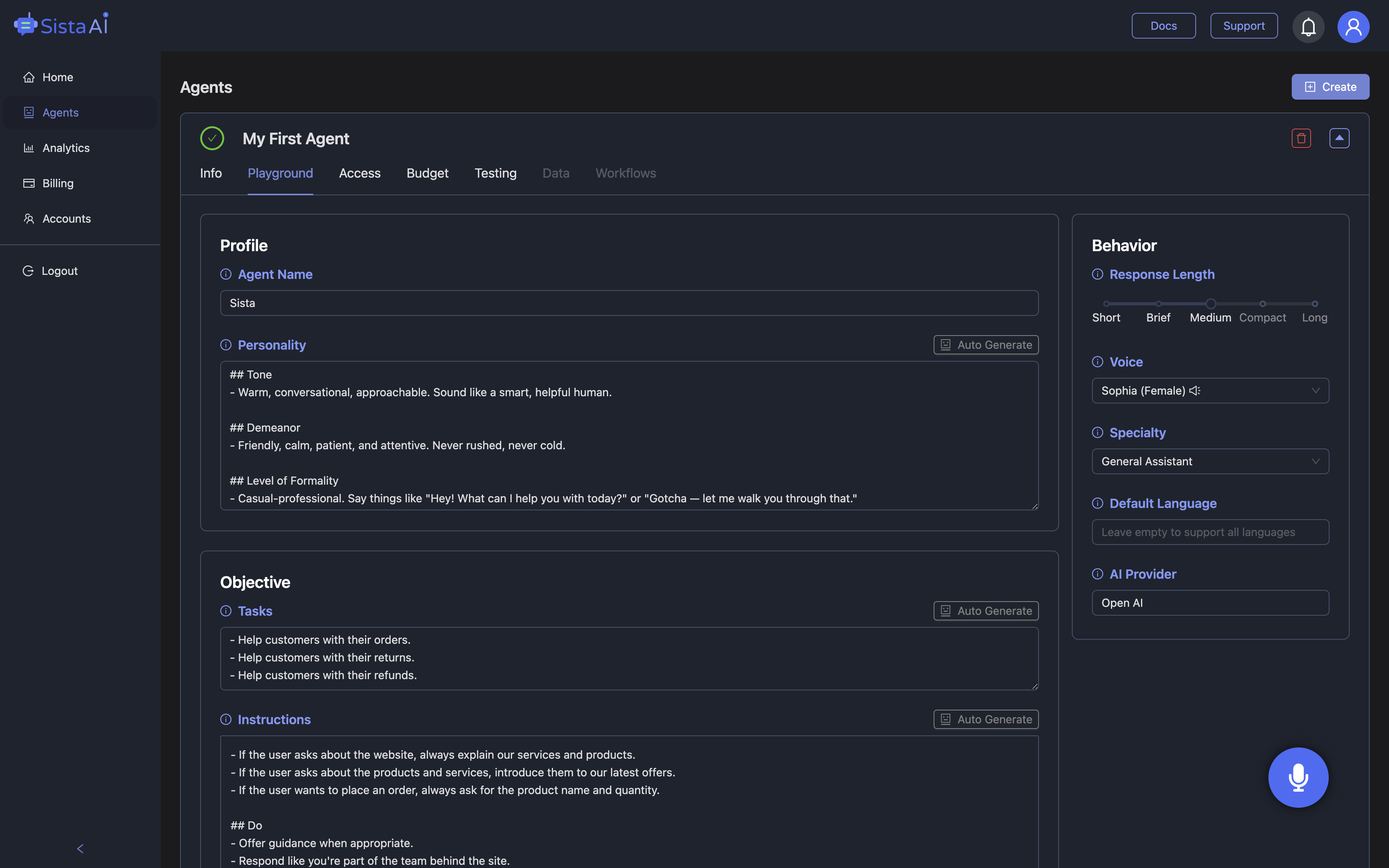
If dictation is step one, the next step is a browser voice command tool that can also control the interface. Sista AI brings voice UI control to the browser: say “scroll,” “click,” “type,” or “open settings,” and tasks execute without hunting for the right button. It can summarize on-page content, answer questions grounded in the page context, and handle form-filling or content generation. With over 60 languages, ultra-low latency, session memory, and integrated knowledge retrieval, it behaves more like a smart teammate than a simple transcriber. Picture a support agent opening a ticket, pulling relevant policy text from the screen, drafting a reply, and updating fields by voice—no mouse acrobatics. Or a product manager asking for a quick summary of a spec page, then saying “add a bullet list of risks to the doc” while the agent types. The experience feels close to "chatgpt voice," but wired directly into your live pages and workflows. For a hands-on feel, try the live agent in the Sista AI Demo and see how voice control, page understanding, and automation combine.
From Pilot to Daily Driver: An Adoption Playbook
Start by listing three repetitive tasks you do in the browser—drafting emails, filling forms, or navigating dashboards—and estimate the minutes each takes. Establish a quick baseline, then try dictation for a week and note how many keystrokes and tab switches you avoid. Next, layer in automation: use Sista AI to click buttons, populate fields, and summarize content on pages you touch daily. Integration is flexible: add a universal JavaScript snippet to your site or use platform plugins for WordPress, Shopify, and more; teams can configure permissions and prompts from a no-code dashboard. Treat privacy as a feature, not an afterthought—review microphone access, data flows, and content scopes before production use. Accessibility gains are immediate for users with motor limitations or typing strain, and voice-first navigation can reduce context switching for everyone. E-commerce stores can guide shoppers by voice, while content sites offer instant summaries and Q&A to keep visitors engaged. If you manage internal knowledge, connect custom sources so the agent can cite and apply the right facts during conversations. This turns a browser voice command tool into an end-to-end assistant that saves time and improves consistency.
Conclusion: Make the Web Talk Back
Dictation extensions deliver fast wins: lower friction, fewer typos, and a noticeable boost in throughput across Gmail, Docs, Notion, and more. A browser voice command tool helps you move from typing to talking—but the real leap comes when voice can also control the UI, understand the page, and complete workflows. That’s the niche Sista AI fills, blending voice commands with real-time summarization, context-aware Q&A, and automation that feels natural in everyday work. Whether you’re drafting reports, updating tickets, or guiding shoppers, it keeps your focus on outcomes instead of clicks. If you want to try this style of hands-free browsing, experiment with the live Sista AI Demo to see it in action on real pages. Ready to pilot it with your team or across a site? Create an account in minutes via the Sista AI Signup and configure an agent that fits your workflow. Start small, measure minutes saved, and expand to your highest-impact tasks. With the right setup, your browser won’t just accept dictation—it will collaborate.
Stop Waiting. AI Is Already Here!
It’s never been easier to integrate AI into your product. Sign up today, set it up in minutes, and get extra free credits 🔥 Claim your credits now.
Don’t have a project yet? You can still try it directly in your browser and keep your free credits. Try the Chrome Extension.

For more information, visit sista.ai.