 Meet Your AI Personal Assistant
Alice, AI Personal Assistant
Get more time for the work and life that matter. Alice manages errands, reminders, research, travel, inbox triage, and scheduling in one place.
Hire Alice →
Learn more →
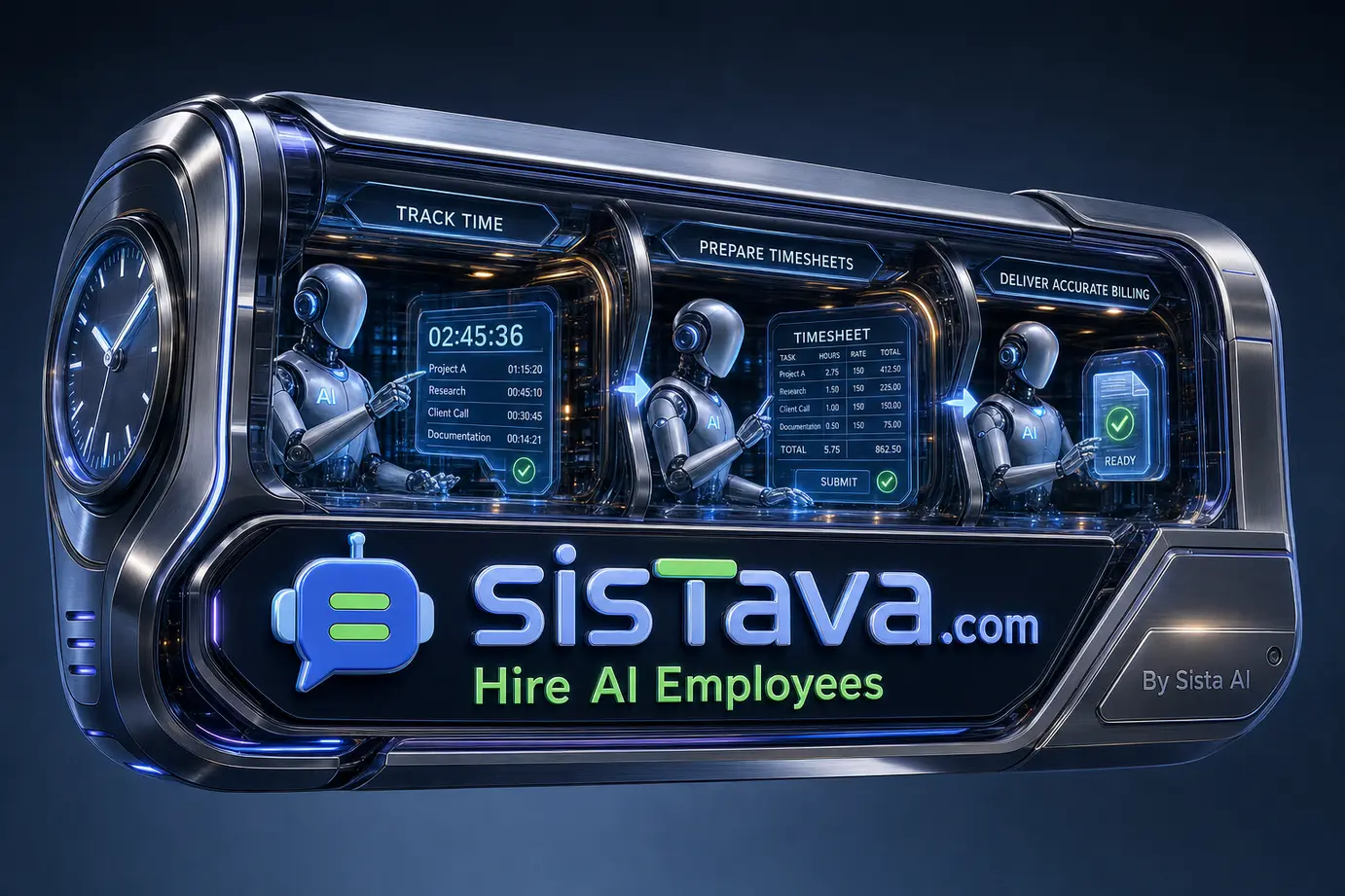
Billable time is often lost before anyone notices: a quick client email, research between meetings, revisions in a document, or a follow-up call never make it into the weekly timesheet. AI can reduce that reconstruction work, but it should create a reviewable draft—not decide what a client can be charged for.
TL;DR
- AI time-tracking tools can combine calendars, app activity, documents, emails, and past project records to draft timesheets.
- Captured activity is evidence of work, not automatic proof that time is billable, authorised, or correctly assigned.
- The safest workflow is capture → suggested entry → employee review → manager or finance approval → billing.
- Set rules for projects, rates, rounding, after-hours work, privacy, and retention before turning on monitoring.
- Role-based AI employees can help turn approved time into organised reports, invoice preparation, and follow-up tasks.
How AI helps track billable time and prepare timesheets
AI to track billable time and prepare timesheets refers to systems that reconstruct a draft record of work from digital signals, then ask a person to classify, correct, and approve it. The goal is not to replace professional judgment; it is to make missing and fragmented work easier to review while the context is still fresh.
Across current vendor approaches, the pattern is consistent. TimeCamp describes suggestions based on calendars, applications, websites, project history, and prior logs; Timely describes grouping captured desktop, web, and document activity into draft entries; and Sage describes proposed time from calendars, emails, and computer activity for a review-and-submit workflow.
Those are product descriptions, not independent accuracy studies. They are still useful for clarifying the operating model: AI provides a starting point, while the employee remains accountable for the final record.
Choose the right signals and controls
More data can make a workday easier to reconstruct, but it also increases privacy and governance responsibilities. Start with the least intrusive sources that support the level of billing detail your team needs, then expand only where there is a clear operational reason.
- Calendar-only capture: useful for meetings, workshops, and planned client sessions; it can miss research, writing, and ad hoc coordination.
- Timers and manual entries: useful for precise, deliberate logging and exceptional work; they rely on consistent habits.
- App, web, and document activity: can surface forgotten work between meetings; it requires clear employee consent, restricted access, and careful interpretation.
- Historical project patterns: can speed up recurring classifications; they can also repeat an old mistake if project assignments have changed.
A calendar event does not necessarily equal two billable hours. Preparation may be billable under one engagement and excluded under another; a meeting may include internal administration; and work outside scheduled hours may require explicit approval. Configure client-specific rules before treating an AI suggestion as ready for invoicing.
AI employees versus time-tracking software
Dedicated time-tracking software is best suited to collecting and structuring time signals. A role-based AI employee adds value around the workflow that follows: checking exceptions, preparing summaries, organising supporting information, and moving approved records into the team’s operating rhythm.
- Use a dedicated tracker when: you need continuous capture, granular timers, established project-rate reporting, or a specialised timesheet approval flow.
- Use an AI employee when: the bottleneck is administrative follow-through—such as chasing missing entries, compiling project notes, preparing invoice inputs, or producing a manager-ready exception report.
- Use both when: time data must flow from capture through review, project administration, and finance preparation without repeated copying between tools.
Sista AI is the company behind Sistava, an AI Workforce Platform where teams hire AI employees for defined responsibilities. For example, an Accountant AI employee can support invoice organisation, bookkeeping support, expense tracking, and financial-report preparation, while an Operations Manager AI employee can coordinate recurring administrative work. Their actual actions depend on connected tools, permissions, available credits, and the approval settings your organisation applies.
A practical approval workflow for billable time
Build the process around a clear distinction: the system may suggest time, but only your billing policy determines whether that time is invoiceable. Give reviewers enough context to make decisions quickly without exposing raw activity data more widely than necessary.
- Define billing rules. Document client codes, tasks, rates, rounding increments, write-off rules, overtime treatment, and who can approve exceptions.
- Connect only necessary sources. Begin with calendars and project data where possible. Obtain appropriate employee notice or consent before enabling deeper activity capture.
- Create daily or weekly drafts. Ask workers to resolve unassigned blocks while meetings, emails, and deliverables are easy to recall.
- Require human confirmation. Employees should edit duration, project, narrative, and billable status before submission. Managers or finance reviewers should handle policy exceptions.
- Prepare downstream records. Use approved—not raw—time to create project summaries, invoice support, utilisation reviews, or follow-up tasks.
Example: A consultant says, “Prepare this week’s billing summary for the Acme project.” A connected workflow gathers approved project entries and relevant calendar context; an AI employee checks for missing descriptions, groups the information by approved billing category, and produces a draft summary. The deliverable is a manager-ready report or invoice-input spreadsheet. A project lead must approve the final billable hours and any client-facing invoice before it is sent.
Common mistakes and how to avoid them
- Mistake: invoicing directly from captured activity. Fix: make employee review and accountable approval mandatory. App use alone cannot establish client value or contractual eligibility.
- Mistake: using one generic billable rule for every client. Fix: encode project-level instructions for rates, caps, non-billable work, and minimum increments.
- Mistake: collecting every available signal by default. Fix: apply data minimisation, set role-based access, define retention periods, and explain what managers and clients can see.
- Mistake: reviewing timesheets only at month-end. Fix: use short, regular review windows so employees can correct drafts with reliable context.
- Mistake: automating a broken handoff. Fix: decide where approved time becomes an invoice input, who owns discrepancies, and how corrections are logged.
Make time data useful after approval
The value of a clean timesheet is not limited to the invoice. Once approved, time records can help a service business assess project budgets, workload distribution, recurring scope creep, and the administrative work that keeps client delivery moving.
This is where teams can hire AI employees for a bounded responsibility rather than asking a generic chatbot to manage an entire finance process. An AI employee can run a recurring routine to request missing project notes, assemble approved-time summaries, create a report draft, and flag items needing human attention. Keep financial judgment, client commitments, and final billing approvals with authorised people.
AI-generated timesheets work best as a controlled draft process: collect proportionate signals, apply explicit billing rules, and review before money changes hands. Explore Sistava’s workflow features to see how AI employees can coordinate recurring administrative work around approved records. If your team needs help designing permissions, approval gates, and integrations, consider AI integration and deployment support from Sista AI.
Hire Your First AI Employee Today
Choose your team: Alice for personal admin, Eva for marketing, or specialists in sales, operations, and HR at sistava.com




Need a custom AI strategy first? Visit AI Strategy & Development. Ready to delegate work now? Hire AI employees.
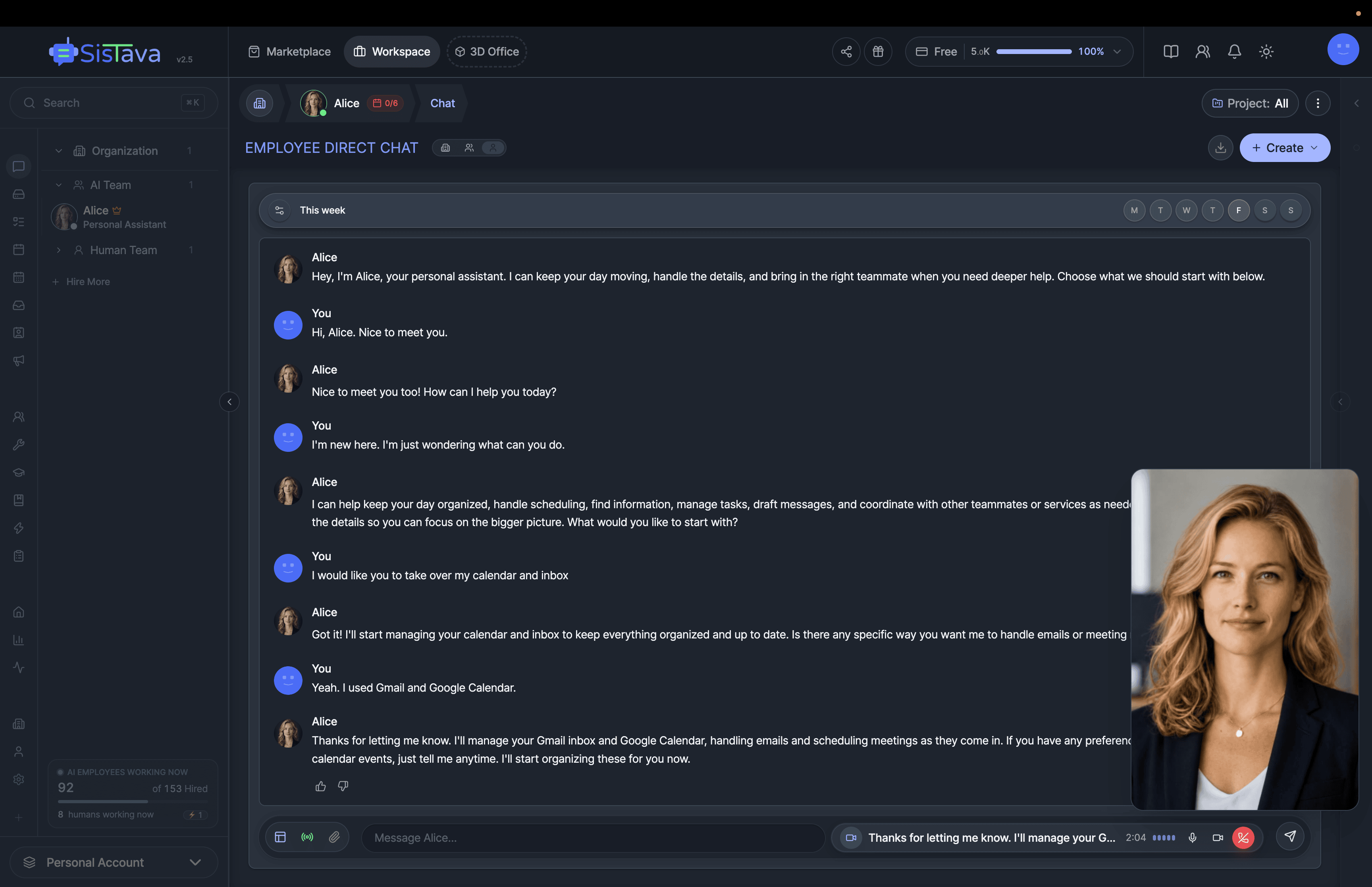
Two Ways to Work With Sista AI
Start hiring immediately or let us architect your AI strategy. Choose your path.
For custom AI planning, architecture, data readiness, governance, and product development.
Explore strategy & development →For immediate delegation: hire a personal assistant or a full team, assign work in chat, and review what gets done.
Start hiring →