Why Voice UI React is worth your roadmap now
Users increasingly expect to talk to software, not just tap and type, which makes Voice UI React a timely, practical investment. The combination of React’s component model and voice interaction reduces friction for common tasks, improves accessibility, and enables eyes-busy or hands-busy scenarios. Think of a shopper saying “Where’s my order?” instead of navigating five menus, or a user with motor impairments completing a form by speaking field names. Voice must be a progressive enhancement, not a replacement, so traditional inputs remain first-class. The cultural shift fueled by chatgpt voice has normalized natural conversation with software, raising the bar for web apps. Smart assistants have trained expectations, yet web teams need patterns that work in browsers and within React lifecycles. This is where disciplined design, robust event handling, and accessible defaults matter. In this guide, we’ll map concrete patterns, proven tools, and realistic constraints to help you build Voice UI React experiences that users trust. Along the way, we’ll show how Sista AI’s plug-and-play voice agents can compress setup time while keeping control in your hands.
Build on familiar React foundations, extend with voice
Top React libraries like Material-UI (MUI) and Chakra UI give you the accessible, composable blocks to start Voice UI React without reinventing your design system. Use their Button, Modal, Menu, and Form components with clear labels and ARIA so spoken commands map cleanly to elements and states. Add a visible microphone affordance, keyboard shortcuts, and a transcript panel to strengthen trust and debuggability. Browser speech recognition via the Web Speech API can bootstrap prototypes, but recognition support varies by browser; speech synthesis is broader, recognition is more limited. For production reliability, teams often stream audio to server-side ASR or use a managed voice stack to stabilize results. You can still customize output with natural voices from providers like ElevenLabs or Hume to match brand tone. Sista AI layers on multilingual recognition in 60+ languages, a Voice UI controller that can scroll, click, type, and navigate, and a no-code dashboard for guardrails. React teams can embed an agent with a small JS snippet or SDK, wire callbacks, and iterate quickly on intents and permissions. If you want to see this in action before writing code, try the live Sista AI Demo and listen for latency, phrasing tolerance, and UI control coverage.
Architecture patterns that make Voice UI React robust
Start with an intent layer instead of raw phrase matching so you decouple wording from behavior and keep React state predictable. Centralize side effects behind a command or action bus; in React terms, lift state, then expose voice-safe actions such as openModal('filters') or addToCart(id). Keep a tight latency budget—streaming partial transcriptions and incremental responses feel markedly more responsive than full-turn waits. Build confirmations for destructive actions and timeouts for long-running ones to avoid accidental operations. Instrument results, errors, and misfires so you can refine prompts and intents like any other product surface. Protect privacy by redacting sensitive fields and letting users opt in to microphone use on a per-session basis. For richer answers, pair recognition with retrieval so the agent cites product specs, policies, or page content in context. Sista AI includes integrated RAG and a knowledge base, session memory for continuity, and even full-stack code execution so the agent can run JavaScript or trigger backend flows without brittle glue code. Its automatic screen-reader capability can summarize on-screen content, further improving accessibility for Voice UI React experiences.
Real-world scenarios, lessons, and tooling choices
E-commerce teams often begin with navigational and shopping tasks: “Show winter jackets under $150,” “Compare the last two items,” or “Add the blue one in medium to cart.” SaaS apps see quick wins in onboarding and help: “Create a workspace,” “Invite Jane as an admin,” and “Explain what this dashboard shows.” In learning portals, a learner might say, “Summarize this article in two points,” then “Start quiz mode” without touching the keyboard. Healthcare portals benefit from hands-busy flows like scheduling, form filling, and reading instructions aloud with patient-friendly phrasing. Shopify merchants can go further with guided shopping and post-purchase support; Sista AI’s specialized agent already handles product discovery, comparisons, and order lookups. Keep commands short, allow mixed-mode interaction (voice plus clicks), show a transcript, and persist event logs for analysis. Alexa’s history reminds us that reliability and context handling matter more than novelty; design for noisy rooms, verify intent confidence, and always offer a manual fallback. For brand voice, teams blend fast recognition with expressive TTS from ElevenLabs or Hume; it’s the difference between robotic and reassuring. When conversation meanders, constrain gently—users expect chatgpt voice small talk, but task-focused nudges keep flows efficient and measurable with Voice UI React.
From pilot to production: measure impact and move fast
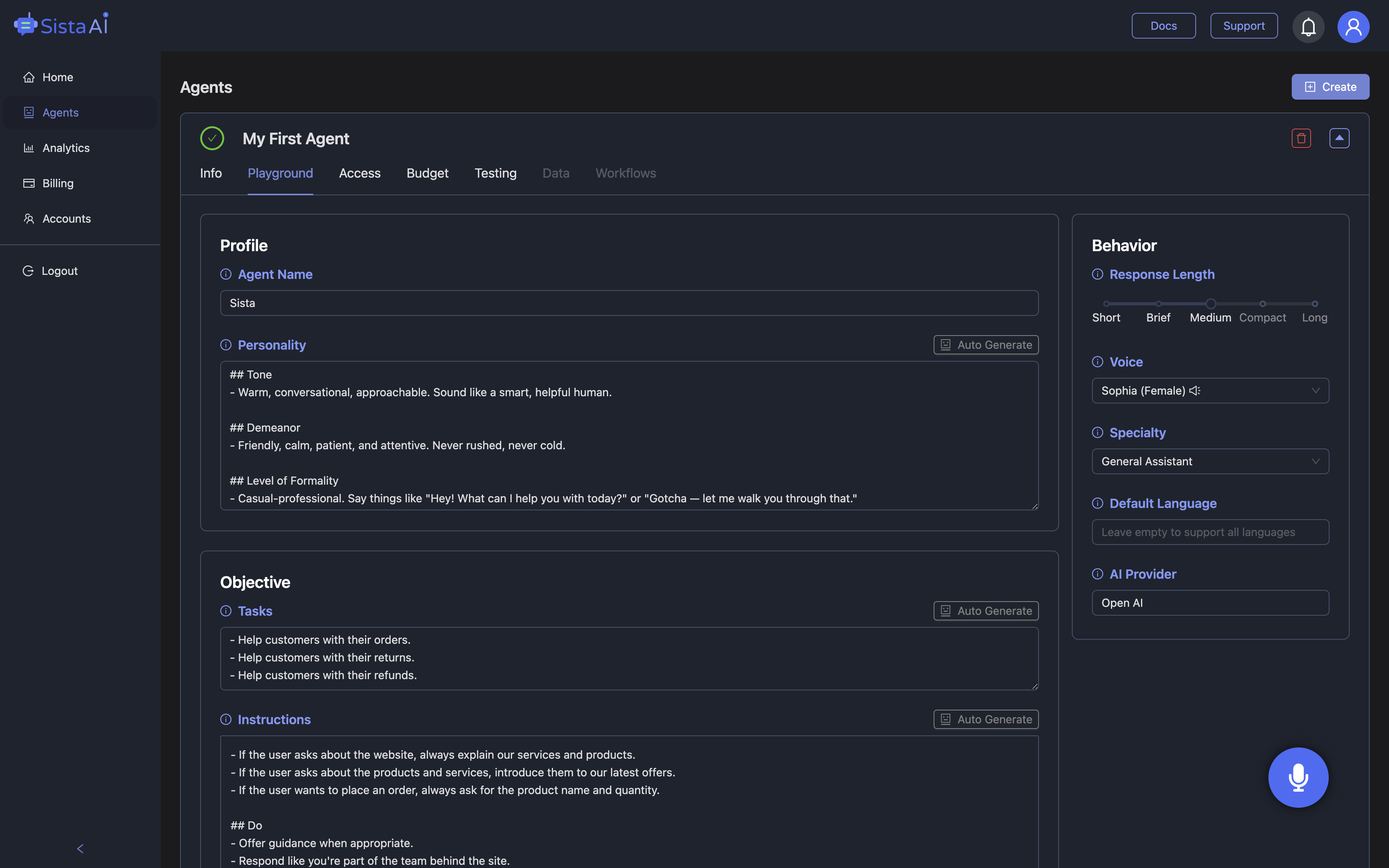
Pick one high-frequency, low-risk task as your Voice UI React pilot, such as filtering a catalog or checking order status. Define intents, map them to safe UI actions, and sketch happy paths and fallbacks before writing code. Add telemetry for task completion, retries, error reasons, and handoffs to traditional UI so you know what to fix next. Communicate privacy clearly, implement push-to-talk by default, and surface explicit confirmations when needed. Roll out progressively, run usability sessions in quiet and noisy environments, and tune prompts and vocab from real transcripts. For teams that want speed and stability, Sista AI provides a plug-and-play agent with ultra-low latency, multilingual support, workflow automation, and a dashboard to manage permissions and knowledge sources—helping you ship in days, not months. If you’d like to experience a working voice agent in a browser, start a quick session with the Sista AI Demo and note how it controls UI, summarizes screens, and handles multi-step flows. When you’re ready to build, you can sign up, drop in the snippet or React SDK, and configure intents and guardrails from the dashboard—no rewrites required. Voice UI React is no longer experimental; with the right patterns and tooling, it’s simply a faster, more inclusive interface for the web.
Stop Waiting. AI Is Already Here!
It’s never been easier to integrate AI into your product. Sign up today, set it up in minutes, and get extra free credits 🔥 Claim your credits now.
Don’t have a project yet? You can still try it directly in your browser and keep your free credits. Try the Chrome Extension.

For more information, visit sista.ai.