The Shift to Conversational Interfaces
Designing Voice Experience has moved from novelty to necessity as voice assistants and smart speakers become everyday tools. Analysts expect nearly half of the U.S. population to use voice assistants by 2026, which means products that ignore voice risk feeling outdated. The shift is more than adding commands; it’s about crafting conversations that help users finish tasks with minimal effort. If you’ve experimented with chatgpt voice, you’ve seen how natural language lowers barriers to action. Voice frees hands in contexts like driving, cooking, or quick triage on mobile, and it also improves accessibility for users with limited mobility or vision. Modern assistants now manage multi-turn dialogue, remember context, and make follow-ups feel effortless. That evolution raises the bar for clarity, privacy, and reliability. Succeeding in 2025 requires a disciplined approach to conversation design, not just feature adoption.
Principles That Make Voice Work
Designing Voice Experience starts with understanding user needs in real contexts, then simplifying the path to completion. Voice demands tighter flows than screens, so each prompt should reduce cognitive load and lead to a clear next step. Immediate feedback—such as confirming that the system is listening or summarizing what it heard—prevents uncertainty. Accessibility is non-negotiable: accommodate accents, diverse speech patterns, and alternative confirmation paths when recognition is uncertain. Errors will happen, so recovery should be graceful, offering suggestions like “Did you mean X or Y?” rather than dead ends. Privacy belongs in the conversation itself, with friendly explanations of what’s stored and options to opt out or erase. Continuous improvement matters; log intents, analyze misrecognitions, and iterate the dialog model weekly. A simple banking scenario illustrates this: “Pay my electricity bill,” followed by clarification about provider, amount, and date, with a final spoken confirmation. When these principles guide the flow, users feel heard, safe, and successful.
From Dialogues to Actions: Architecting Context
Designing Voice Experience goes beyond smart phrasing; it’s about context management that mirrors real conversation. Consider how a user asks, “What’s the weather in New York?” then follows with “What about Chicago?” without repeating the subject—this is multi-turn design in action. Good dialogue systems track slots, disambiguate gently, and summarize decisions at key checkpoints. The best ones also convert talk into outcomes: navigating pages, filling forms, or triggering workflows automatically. Here, Sista AI’s voice agents bridge words to actions with session memory, a voice UI controller for scrolling or clicking, and workflow automation to complete multi-step tasks. Multilingual support across 60+ languages broadens reach, while integrated knowledge bases keep answers on-brand. Teams exploring chatgpt voice prototypes often use Sista AI to validate production-ready latency and reliability in real interfaces. You can hear and test these mechanics in a live environment using the Sista AI Demo, then map findings to your own flows.
Real-World Results Across Industries
Designing Voice Experience delivers measurable outcomes when anchored to specific jobs-to-be-done. In healthcare, studies have shown voice-activated medication reminders can improve adherence by about 30%, illustrating how timely prompts and simple confirmations change behavior. In automotive scenarios, hands-free voice reduces distraction while still enabling actions like navigation, calls, or status checks. Retail is seeing similar gains when voice supports product discovery, comparisons, and real-time support during checkout. Imagine a shopper saying, “Compare the two waterproof jackets I viewed yesterday, then add the cheaper one in medium to my cart.” An agent that recalls history, clarifies size or color, and completes the cart update creates a friction-light experience. Sista AI’s ultra-low latency and session memory make these sequences feel fluent, while its voice UI controller handles on-page actions without custom code. For teams that care about trust, Sista AI’s permissions and no-code controls let you restrict actions, log events, and surface privacy choices within the conversation. The result is voice that is helpful, not intrusive, and reliably tied to outcomes.
A Practical Checklist to Launch and Improve
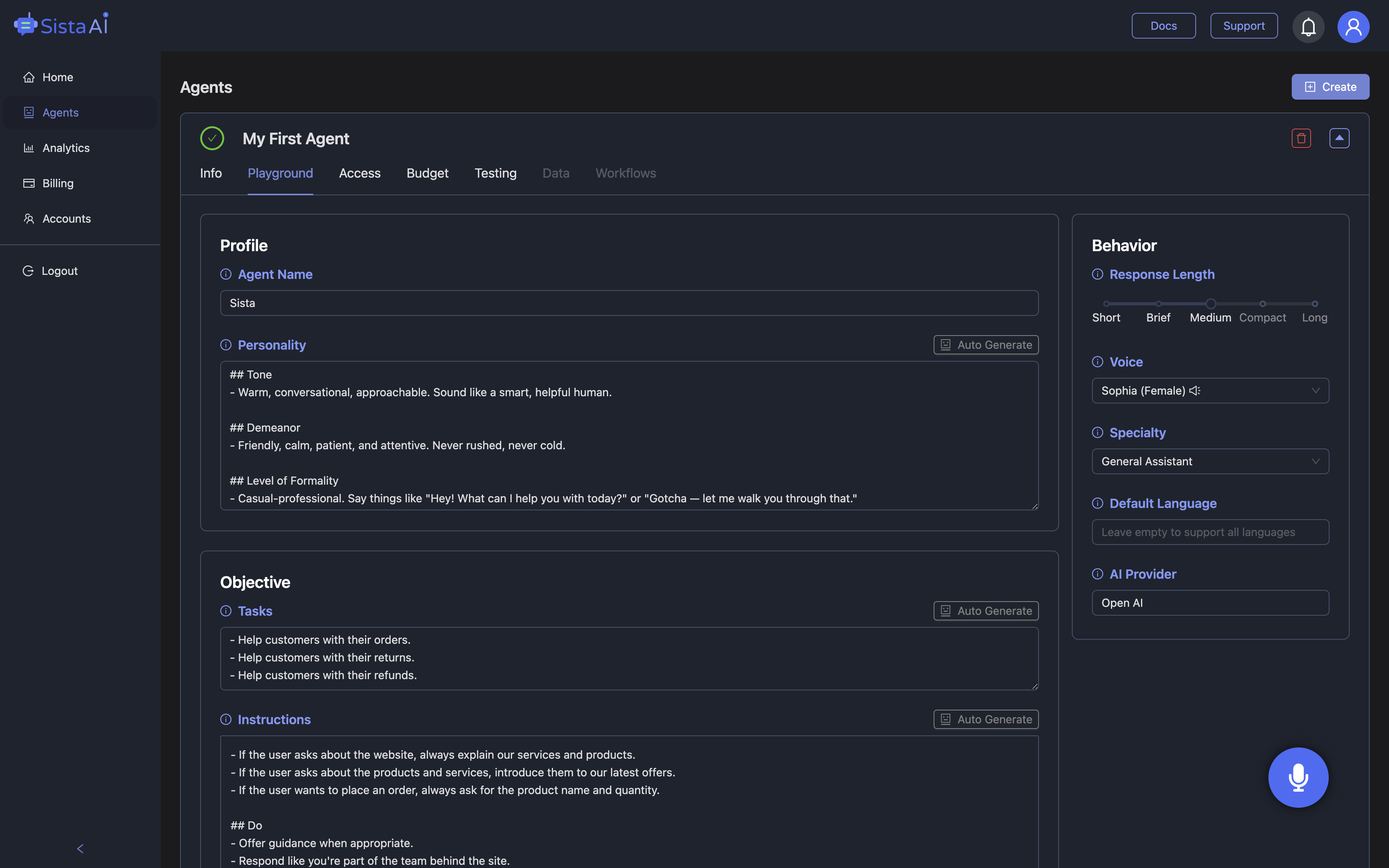
To operationalize Designing Voice Experience, start with a concise intent inventory and write sample scripts for the top five user goals. Draft prompts that frontload clarity, plan disambiguation questions, and set limits on turn length to prevent wandering. Define error recoveries for recognition issues, empty results, and permission blocks, and include a friendly way to exit or escalate to human help. Add privacy microcopy that explains what’s captured and for how long, plus easy deletion options. Establish analytics for intent success rate, average turns per task, and abandonment points; review weekly to refine prompts and transitions. Test across accents, noise conditions, and edge cases like rapid corrections or ambiguous phrasing. Sista AI streamlines this process with plug-and-play SDKs, a universal JS snippet, and a no-code dashboard to tune behaviors, permissions, and knowledge sources. If you want to experience production-grade voice flow and automation before implementation, try the Sista AI Demo, then sign up to configure your first agent in minutes. When your voice experience aligns with clear goals, guardrails, and iterative learning, conversation becomes a reliable interface your users will return to.
Stop Waiting. AI Is Already Here!
It’s never been easier to integrate AI into your product. Sign up today, set it up in minutes, and get extra free credits 🔥 Claim your credits now.
Don’t have a project yet? You can still try it directly in your browser and keep your free credits. Try the Chrome Extension.

For more information, visit sista.ai.