Your Browser, Upgraded with an AI Extension for Chrome
Your browser is now your workbench, and an AI extension for Chrome turns it into a command center. In 2025, practical add-ons place generative tools directly beside your tabs, so you draft, analyze, and automate without context switching. ChatGPT for Google and ChatGPT for Chrome pin AI answers into search results or a sidebar, making research and brainstorming feel instant. Accessibility tools matter too: Speechify reads articles and PDFs in more than 30 languages using over 130 voices, and it can play at up to 4.5x speed for efficient listening. Meetings got lighter with Fireflies.ai, which transcribes conversations across 100+ languages and flags action items. Even data extraction is simpler thanks to web scrapers like Thunderbit that capture structured information. The result is faster workflows and more consistent output inside Chrome.
Picking the Right AI Extension for Chrome by Job-to-Be-Done
The best stack starts with your use case, not a feature checklist. For prospect research, an AI extension for Chrome that shows answers alongside search—like ChatGPT for Google—helps you refine queries and outline content on the fly. For accessibility or learning on the go, Speechify’s natural narration and speed controls make dense reading manageable, especially for users with dyslexia or eye strain. Sales teams often pair Apollo.io’s Chrome extension for lead scoring and email sequencing with on-page enrichment, then verify critical data to avoid AI hallucinations. If your day is meeting-heavy, Fireflies.ai automatically records, transcribes, and tags follow-ups so minutes don’t go missing. Builders and analysts might add a sidebar ChatGPT for Chrome for quick code snippets, spreadsheet formulas, or summaries. As chatgpt voice experiences gain traction, voice-first browsing is becoming a practical daily driver.
Where Voice Changes the Game: A Unified AI Extension for Chrome
Point solutions are handy, but juggling five extensions can create tab fatigue and copy-paste friction. This is where the Sista AI Browser Extension shines as an AI extension for Chrome that leans voice-first. It lets you speak to your browser, control the page (scroll, click, type), and get real-time summarization of any content without breaking focus. You can ask instant questions about what’s on-screen, auto-fill forms, and generate responses tailored to the page context. It learns your preferences over time, supports 60+ languages, and keeps interactions responsive for a natural flow. Picture an analyst triaging 20 research tabs in 15 minutes: “Summarize this doc,” “extract key metrics,” then “draft a three-bullet update”—all by voice. That matches the chatgpt voice trend but adds hands-free navigation and workflow automation. If you want to try it, you can find the extension at browser.sista.ai.
From Personal Productivity to Team Workflows
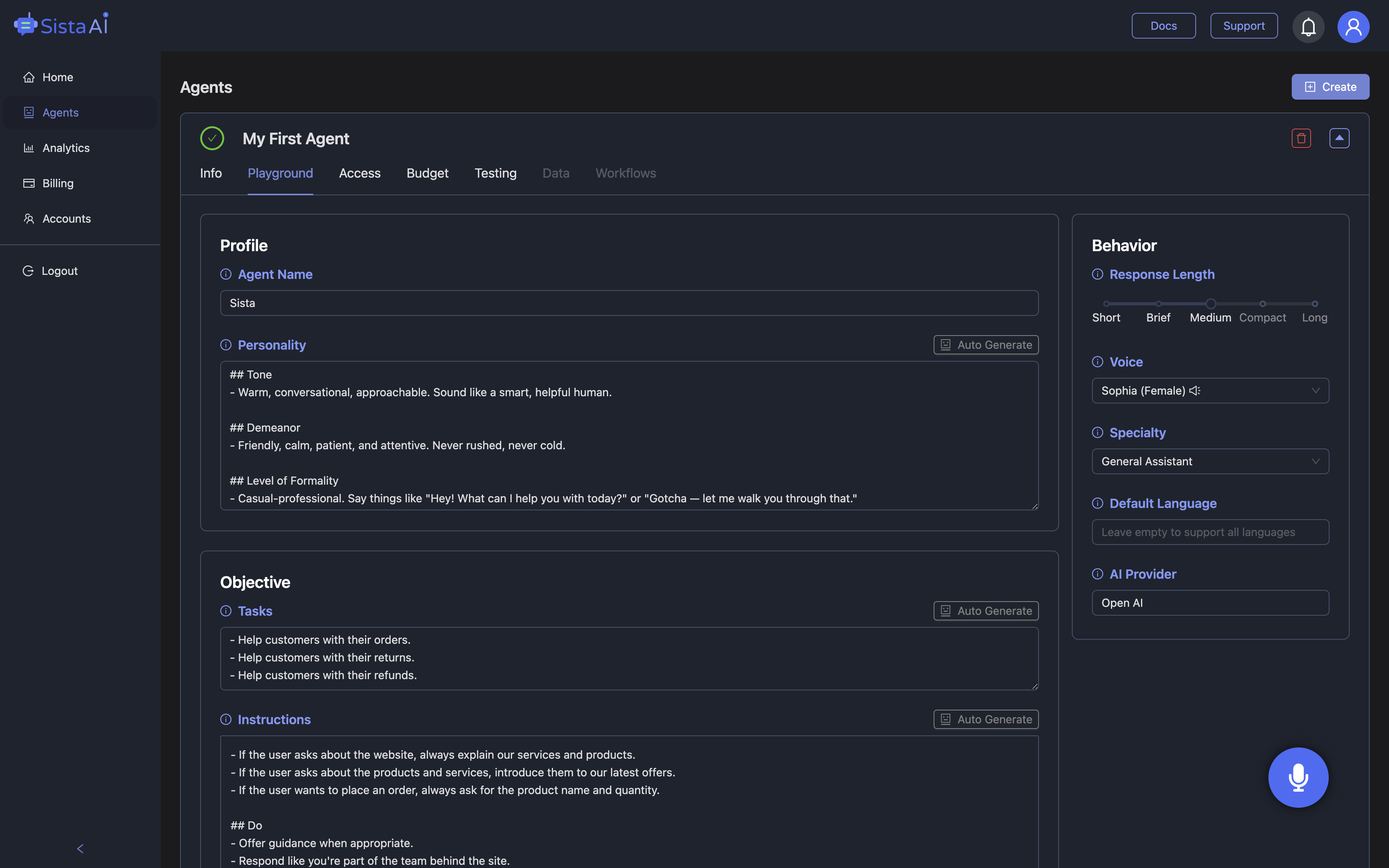
Once personal productivity improves, teams often want the same intelligence embedded in their products and sites—not just in a browser. Beyond its AI extension for Chrome, Sista AI offers plug-and-play voice agents that you can drop into websites and apps to handle support queries, guide onboarding, and automate clicks or multi-step forms. The platform’s voice UI controller, integrated knowledge base, and ultra-low latency make interactions feel human while keeping them reliable. For commerce, the Shopify AI Sales Agent adds voice-based product discovery and smart cart help, increasing conversion while reducing staff load. Product managers appreciate the no-code dashboard to tailor agent behavior and track usage. If you’d like to experience how a voice agent behaves before integrating, explore the Sista AI Demo. And when you’re ready to roll out to your team or site, create your workspace at admin.sista.ai.
What to Do Next
Here’s a simple playbook: start by mapping your top three repetitive tasks, then pair each with a purpose-built AI extension for Chrome. Use search-integrated tools for research, speech tools for accessibility, and transcription for meetings; then layer in a voice-first assistant to unify navigation, summaries, and form work. Sista AI’s browser extension delivers that hands-free layer, while its embeddable agents extend the same voice and automation capabilities into your product or website. If you’re curious how a conversational agent could guide users through sign-up, support, or checkout, take the Sista AI Demo for a spin and see it in action. When it makes sense to operationalize, you can sign up and configure your first agent or connect the Chrome extension to your workflows. Small wins compound quickly when your browser and product can talk—and act—like a teammate.
Stop Waiting. AI Is Already Here!
It’s never been easier to integrate AI into your product. Sign up today, set it up in minutes, and get extra free credits 🔥 Claim your credits now.
Don’t have a project yet? You can still try it directly in your browser and keep your free credits. Try the Chrome Extension.

For more information, visit sista.ai.