Why a hands-free Chrome assistant is a breakthrough
The browser has quietly become the place where we plan trips, learn skills, shop, and get work done—so it makes sense that Chrome now ships with a true hands-free Chrome assistant. Google’s Gemini is embedded right in the omnibox, so you can ask multi-part questions and get AI Overviews without bouncing between tabs. It remembers context, meaning a follow-up like “what about warranty details on this page?” makes sense to the assistant. You can talk or type, and the experience feels closer to chatgpt voice than to a traditional search box. Early access is rolling out on Mac and Windows in the U.S., with broader language support expanding. This shift helps multitaskers, accessibility users, and anyone who prefers speaking to clicking. Instead of hunting links, you get synthesized, actionable responses. For busy professionals, students, and creators, this is a practical upgrade, not just a novelty.
What you can do today inside Chrome
With Gemini, the hands-free Chrome assistant lets you ask complex questions from the address bar, then refine your request conversationally. You can jump to a specific moment in a YouTube video by voice, create calendar events without leaving your current page, and look up locations in Maps while staying focused. Page summaries turn long reads into quick briefs, with suggested follow-ups that guide deeper exploration. On accessibility, Chrome can now interpret scanned PDFs with OCR and surface expressive subtitles, improving comprehension. Scam and malware protections run in the background, flagging risky patterns as they emerge. Multimodal support extends beyond text: in Search, pointing your camera while you ask a question can yield contextual help. Language coverage now includes Hindi, Indonesian, Japanese, Korean, Brazilian Portuguese, and Spanish, broadening reach. For everyday browsing, this reduces friction from constant tab switching. It brings the web’s next step closer to conversation-first computing.
From answers to actions: agentic steps are arriving
Where this gets exciting is agentic behavior: the hands-free Chrome assistant will increasingly execute multi-step workflows. A Google demo showed Gemini reading a recipe in an email and adding all ingredients to an Instacart cart—no manual copy-paste. Similar flows could schedule appointments, complete forms, or retrieve specific items from your history on command. This doesn’t just speed up tasks; it removes tedious context switching that steals focus. Importantly, Chrome layers in proactive scam protection so these automations run with more confidence. For teams accustomed to chatgpt voice for brainstorming, this is the “do things for me on the web” phase. Practical example: “Book a cleaning for next Friday afternoon, add it to my calendar, and email me confirmation.” The assistant interprets intent, interacts with sites, and updates your apps. Availability is expanding, but early access is currently focused on U.S.-based desktop users, with more features coming soon.
Where Sista AI fits: hands-free across your own site, app, or store
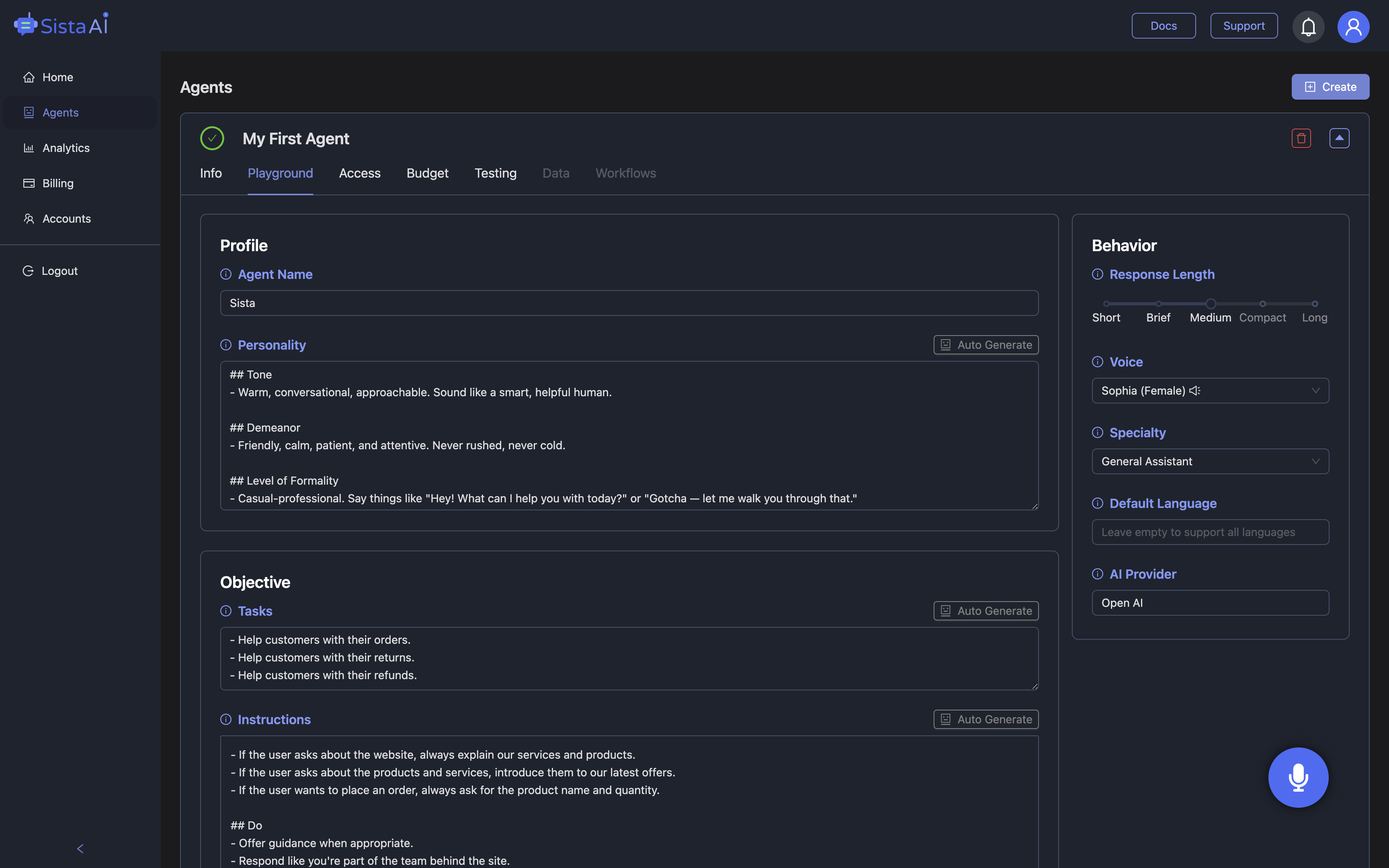
Chrome handles the open web; Sista AI brings hands-free intelligence to your product experience. If you want a voice-first layer inside your website or app, Sista AI’s plug-and-play agents add conversational understanding, a voice UI controller (think: click, scroll, type, navigate by voice), and workflow automation that mirrors how users actually work. The platform supports 60+ languages, runs ultra-low latency interactions, and can execute JavaScript or backend actions to complete multi-step flows. With session memory and integrated knowledge retrieval, the agent can summarize on-screen content, answer questions, and perform actions—without custom plumbing. Picture an ecommerce store where shoppers ask, “Show breathable running shoes under $120, compare two options, and start checkout,” all hands-free. Or a SaaS onboarding flow where users say, “Create my first project, import data, and invite my team.” You can explore what this feels like in the Sista AI Demo, then tailor the agent to your brand. When you’re ready, create an account via the Sista AI Signup to configure permissions, analytics, and behavior in a no-code dashboard.
How to pilot and measure value
A smart rollout blends Chrome’s hands-free assistant for personal productivity with Sista AI where you control the experience. Start with a one-week pilot: list 5 repeat tasks—like summarizing long pages, jumping within videos, filling forms, or guiding users through your app—and estimate time saved per task. Track reductions in tab switching, faster page-to-decision cycles, and accessibility gains (for example, OCR-read PDFs turning into voice-ready summaries). Then extend hands-free flows to your site: enable voice commands for navigation, automate common workflows, and add a knowledge base for precise answers. Teams typically notice fewer support touches and quicker onboarding when voice guidance replaces multi-click paths. If you want to see this in action without a lengthy setup, try the Sista AI Demo and speak to the agent like you would to Chrome’s Gemini. And when it’s time to roll out to real users, create your workspace through the Sista AI Signup and launch a voice-first experience that complements the hands-free Chrome assistant.
Stop Waiting. AI Is Already Here!
It’s never been easier to integrate AI into your product. Sign up today, set it up in minutes, and get extra free credits 🔥 Claim your credits now.
Don’t have a project yet? You can still try it directly in your browser and keep your free credits. Try the Chrome Extension.

For more information, visit sista.ai.